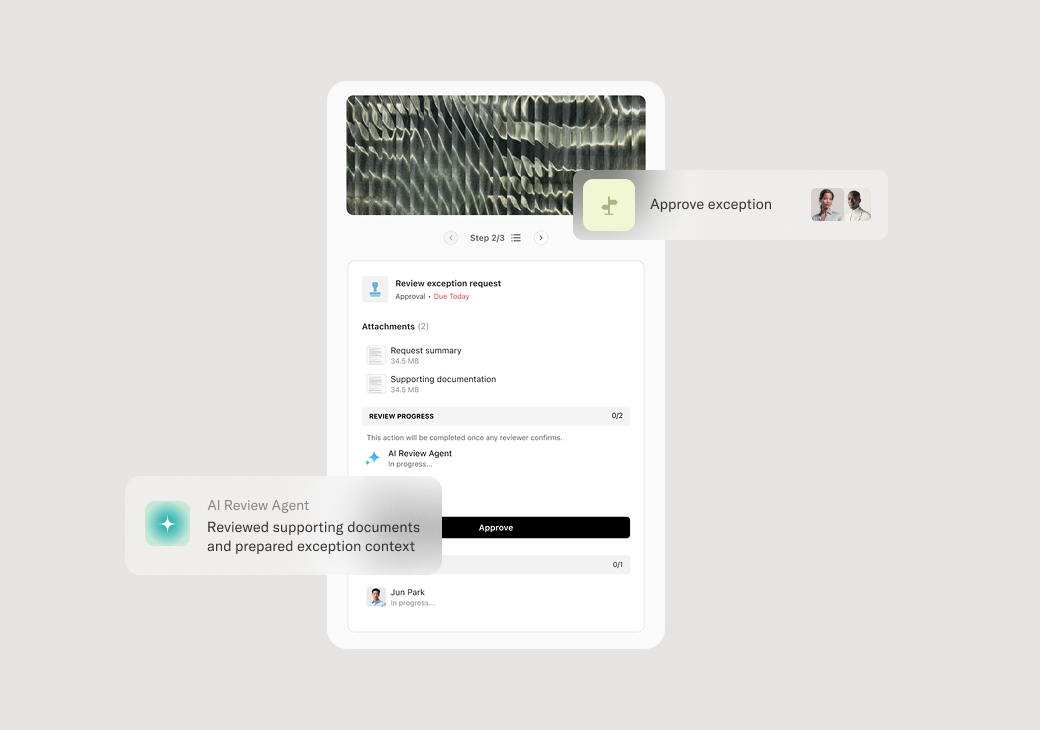
Account manager
Client success manager
Project manager
Operations lead
Service delivery manager
Engagement manager

This process is used when a deliverable, proposal, scope change, or milestone requires formal customer authorization before work continues. It applies when client sign-off is contractually required, when project phases depend on external validation, or when financial or legal commitments hinge on documented consent. Client approval workflows are common in professional services, consulting, marketing agencies, financial services, and any engagement where customer acknowledgment gates progress.
Participants typically include the account manager or project lead who submits the approval request, the client stakeholder responsible for reviewing and authorizing the work, and internal reviewers such as quality assurance, legal, or finance who may validate the deliverable before it reaches the client. In some cases, multiple client contacts must approve sequentially or in parallel depending on organizational hierarchy or contractual terms.
Faster turnaround on client decisions by presenting approval requests with complete context and clear instructions. Reduced back-and-forth through structured submission that captures all required information upfront. Clear accountability with a documented record of who approved what and when. Improved client experience by making it easy for customers to review, respond, and move forward without confusion. Fewer stalled projects as reminders and escalations keep approval requests from languishing.
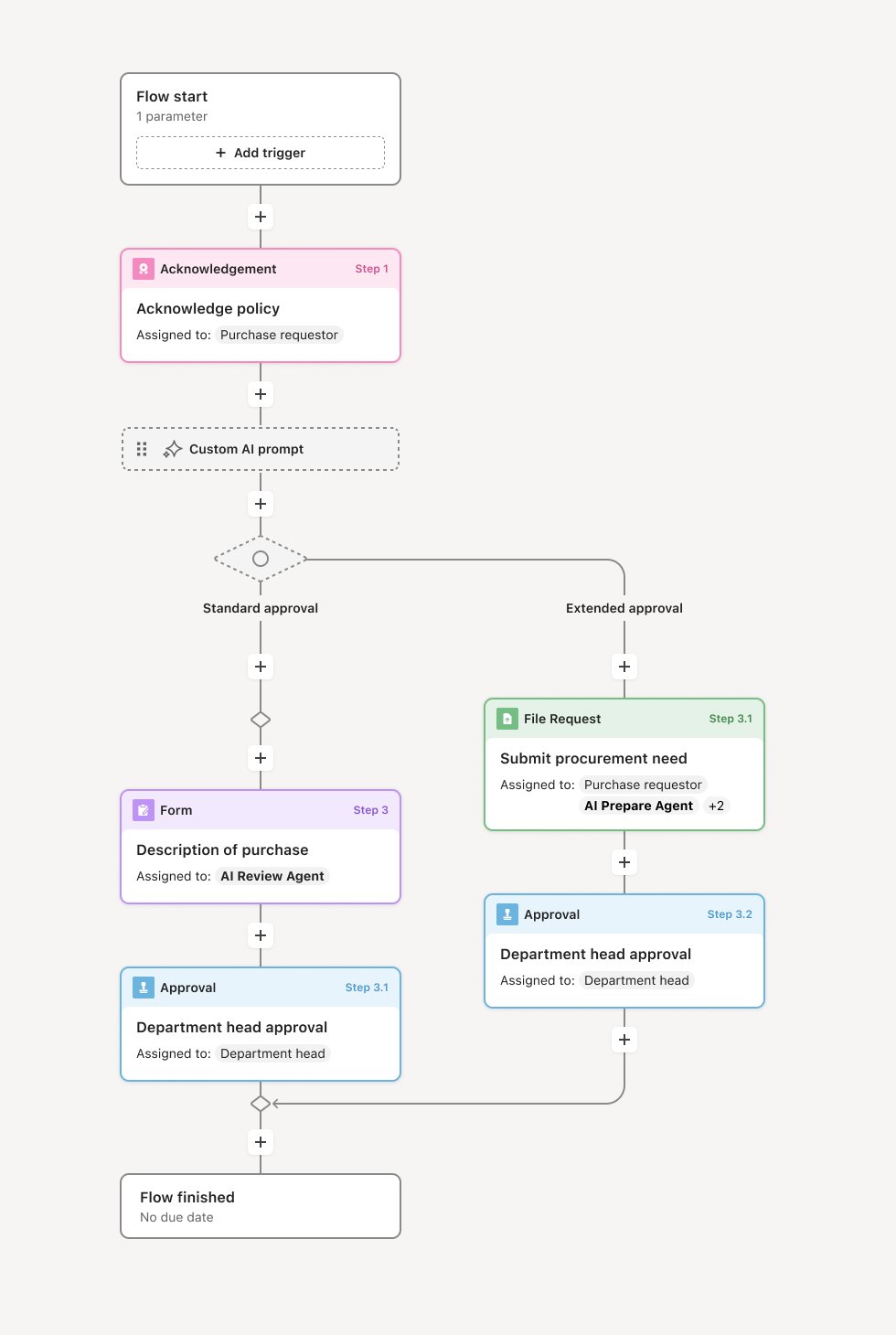
Your version of this process may vary based on roles, systems, data, and approval paths. Moxo's flow builder can be configured with AI agents, conditional branching, dynamic data references, and sophisticated logic to match how your organization runs this workflow. The steps below illustrate one example.
Preparation and submission
The process begins when an internal team member prepares a deliverable, proposal, or milestone summary for client review. An AI agent may assist by compiling relevant documents, pre-filling context from prior workflow steps, and validating that all required materials are attached before the request is routed to the client.
Client notification and review
Once the approval request is ready, the client stakeholder receives a notification with clear instructions on what requires their attention. The client can review attached documents, ask clarifying questions in context, and access any supporting information needed to make an informed decision.
Decision and response
The client either approves the submission, requests changes, or declines. If additional information is needed, the client can respond directly within the workflow, and the request is routed back to the appropriate internal owner. If the client approves, the workflow advances automatically to the next phase.
Internal acknowledgment and next steps
Upon client approval, internal stakeholders are notified that authorization has been received. Depending on the workflow configuration, this may trigger downstream actions such as invoicing, production, or contract execution. If the client requests revisions, the submission is returned to the preparer with feedback attached, and a rework loop begins.
Resolution and record
The approval outcome is logged with timestamps, participant actions, and any associated documents. This creates a complete audit trail that can be referenced for compliance, billing, or future project phases. Stakeholders receive confirmation that the process is complete.
This process commonly relies on inputs such as deliverable files, proposals, contracts, milestone summaries, or scope documentation. It may be triggered by events like a project milestone completion, a document upload, or a manual submission from a CRM such as Salesforce or HubSpot. Supporting systems might include document repositories like Google Drive or SharePoint, project management tools, or ERP platforms that track engagement status.
Key decision points include determining whether the deliverable meets internal quality standards before submission, whether the client approves or requests changes, and whether escalation is needed if the client does not respond within expected timeframes. If revisions are requested, the workflow branches to a rework path before resubmitting for approval.
Incomplete submissions that force clients to request missing information, delaying decisions. Unclear approval authority leading to submissions routed to the wrong stakeholder. Lack of follow-up when clients do not respond, causing approvals to stall indefinitely. Lost context when clients receive approval requests without supporting documentation or prior conversation history.
Structures the approval request so clients receive complete context, required documents, and clear instructions in a single view.
Routes decisions to the right stakeholders based on role, project, or client hierarchy.
AI agents prepare submissions by compiling documents from prior steps, validating completeness, and flagging missing information before the request reaches the client.
Automates reminders and escalations to keep approvals moving without manual follow-up.
Maintains a complete audit trail of decisions, timestamps, and participant actions for compliance and reference.
Extends existing systems by integrating with CRMs, document repositories, and project tools so approval workflows connect to the broader engagement lifecycle.