Revenue operations manager
Finance manager
Sales operations lead
Project manager
Controller
Compliance officer

This process is used when a deal, project, or accounting period must be formally closed and all prerequisite conditions verified before finalization. It applies at the end of sales cycles when revenue recognition depends on documented completion, at project conclusion when deliverables and sign-offs must be confirmed, or during month-end and quarter-end closes when financial records require validation. Close checklist approval is common in sales operations, professional services, finance, and any organization where incomplete closes create downstream risk.
Participants typically include the deal owner, project manager, or operations lead who submits the close request, reviewers from finance, legal, or compliance who verify specific checklist items, and a final approver with authority to authorize the close. In complex organizations, multiple approvers may be required in sequence or parallel depending on the close type and associated risk.
Confident closes with verification that all required steps are complete before finalization. Reduced rework and reopens by catching missing items before the close is recorded. Clear audit trails documenting who verified what and when for compliance and reporting. Faster close cycles by eliminating manual chasing and consolidating verification in one workflow. Consistent close quality regardless of deal size, project complexity, or team member.
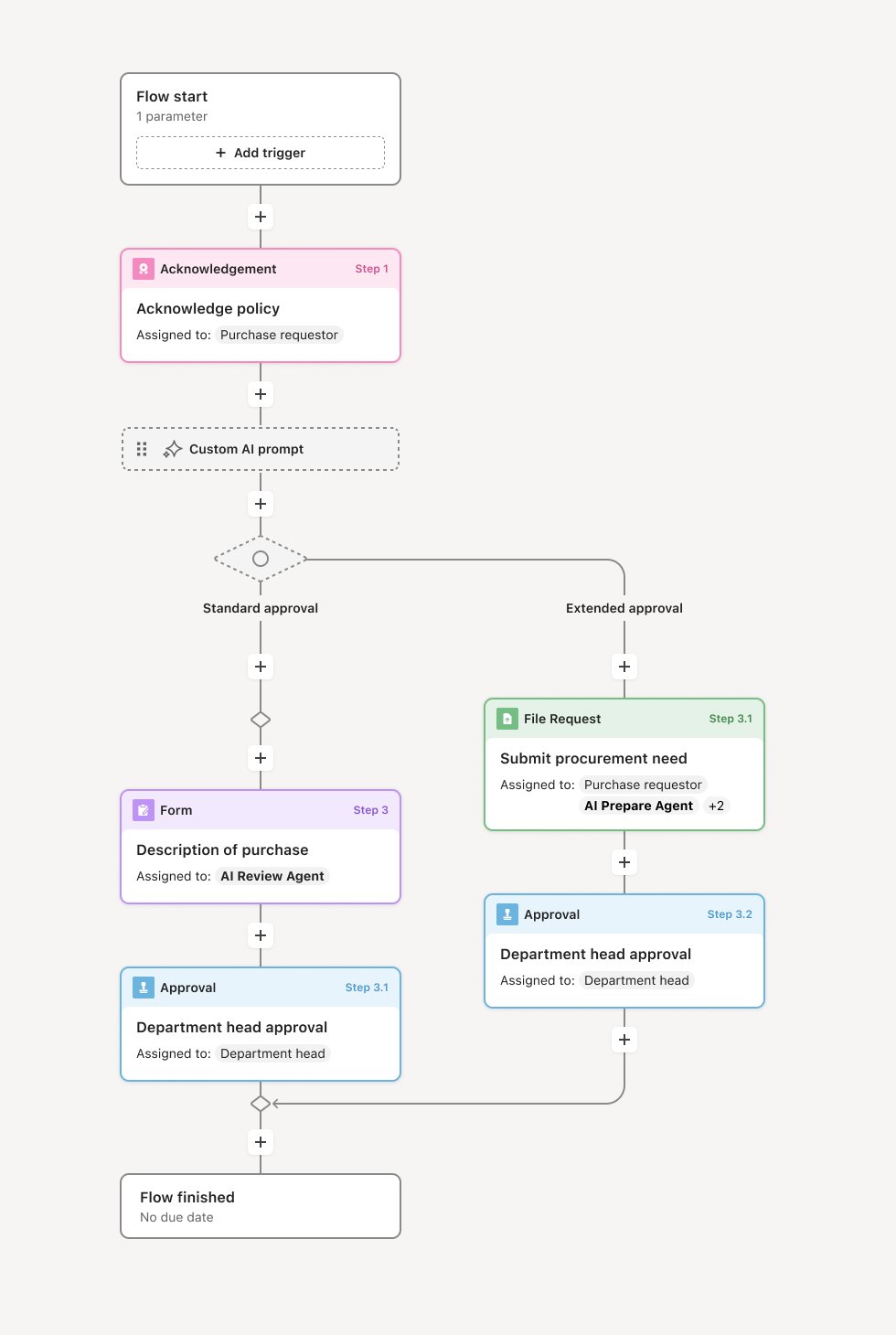
Your version of this process may vary based on roles, systems, data, and approval paths. Moxo's flow builder can be configured with AI agents, conditional branching, dynamic data references, and sophisticated logic to match how your organization runs this workflow. The steps below illustrate one example.
Close initiation and checklist generation
The process begins when a deal, project, or period is ready to close. The workflow generates a checklist of required items based on the close type, which may include signed contracts, delivered invoices, client approvals, internal sign-offs, or documentation uploads. An AI agent may pre-populate checklist status by referencing data from prior workflow steps or connected systems.
Item verification and evidence collection
Each checklist item is assigned to the appropriate owner for verification. Owners confirm completion, attach supporting evidence, or flag exceptions. If an item is incomplete, the workflow routes it for remediation before the close can proceed. AI agents may validate uploaded documents for completeness or flag discrepancies.
Review and exception handling
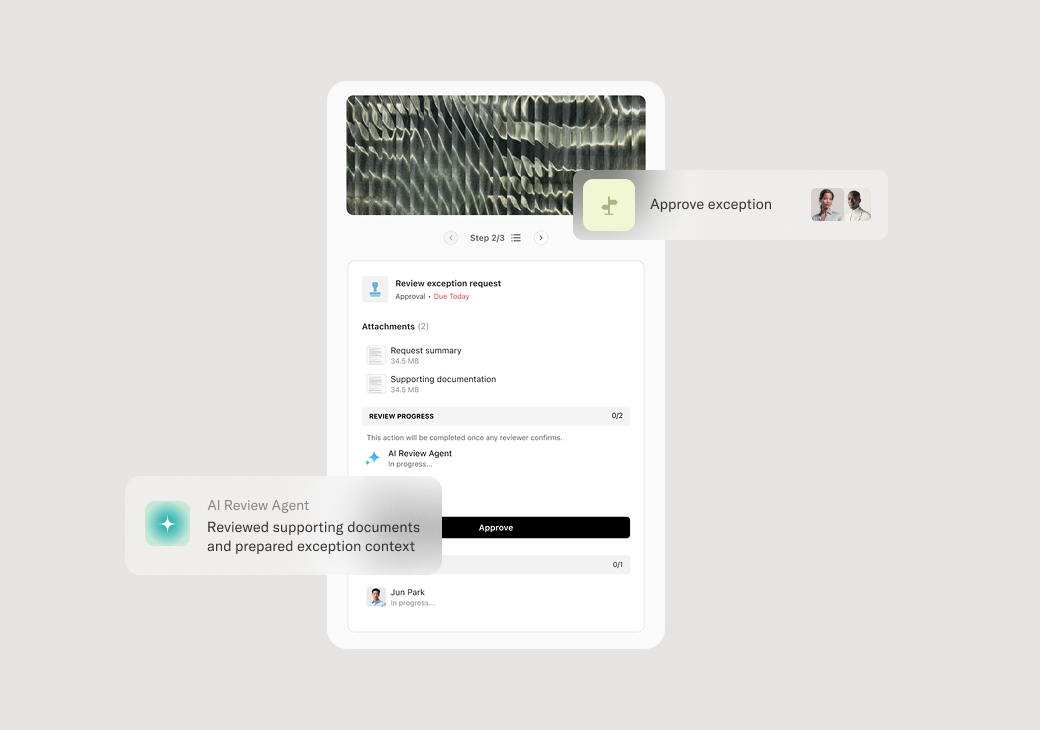
Once all items are verified, a reviewer examines the complete checklist for accuracy and compliance. If exceptions exist, the reviewer determines whether they can be waived, require remediation, or block the close entirely. Exceptions are documented with rationale for audit purposes.
Final approval
The close request is routed to the final approver, who reviews the verified checklist and exception notes. The approver either authorizes the close or returns it for additional work. If multiple approvers are required, the workflow manages sequencing or parallel approval paths based on configuration.
Close confirmation and downstream actions
Upon approval, the close is recorded with timestamps, approver identities, and all supporting documentation. Downstream systems may be updated automatically, such as marking a deal as closed-won in the CRM, triggering revenue recognition in the ERP, or archiving project records. Stakeholders receive confirmation that the close is complete.
This process commonly relies on inputs such as signed contracts, client approvals, invoices, delivery confirmations, and internal sign-off records. It may be triggered by events like a deal reaching a specific stage in Salesforce, a project milestone completion, or a calendar-based period close. Supporting systems might include CRMs, ERPs like NetSuite or SAP, document management platforms, and project tracking tools.
Key decision points include determining whether each checklist item is complete and evidenced, whether exceptions warrant approval or remediation, and whether the overall close meets organizational standards. If critical items are missing, the workflow branches to remediation paths. If exceptions are approved, they are documented with rationale before the close proceeds.
Incomplete checklists submitted for approval causing delays and rework when reviewers catch missing items. Unclear ownership of checklist items leading to items falling through the cracks. Undocumented exceptions that create compliance risk when audited later. Bottlenecks at final approval when approvers lack visibility into what has already been verified.
Generates dynamic checklists based on close type, deal size, or project complexity. Routes verification tasks to the right owners with clear deadlines and accountability. AI agents validate completeness by checking uploaded documents and flagging missing or inconsistent items. Captures exceptions with rationale so approvers and auditors understand why deviations were accepted. Orchestrates multi-approver workflows with sequential or parallel paths based on organizational requirements. Integrates with CRMs and ERPs to pull checklist data from source systems and push close confirmations downstream.