Finance manager
Accounting lead
Department head
Travel coordinator
Controller
Operations manager

This process is used when employees submit consolidated expense reports covering a trip, project, or reporting period. It is triggered at regular intervals, after business travel, at project milestones, or when accumulated expenses reach a reporting threshold. It applies when multiple line items need to be reviewed together for business context, when receipts and supporting documentation must be verified in aggregate, and when the organization requires multi-level sign-off before reimbursement. This process is common in organizations with regular travel, project-based work, or distributed teams that incur business expenses requiring periodic reconciliation.
The expense report approval process typically involves employees who compile and submit expense reports, direct managers who review and approve the report’s business purpose and line items, finance or accounting staff who validate policy compliance, receipt documentation, and GL coding, and controllers or senior finance leaders who review flagged or high-value reports that exceed standard thresholds.
Shorter reimbursement timelines by catching incomplete reports before they enter the approval queue. Fewer rejected reports because AI-assisted validation identifies missing receipts, policy violations, and coding errors at submission. Consistent approval standards applied across all departments regardless of team size or location. Cleaner accounting data because reports are validated and coded before they reach the financial system. Reduced administrative burden on finance teams who spend less time chasing missing documentation or correcting coding errors.
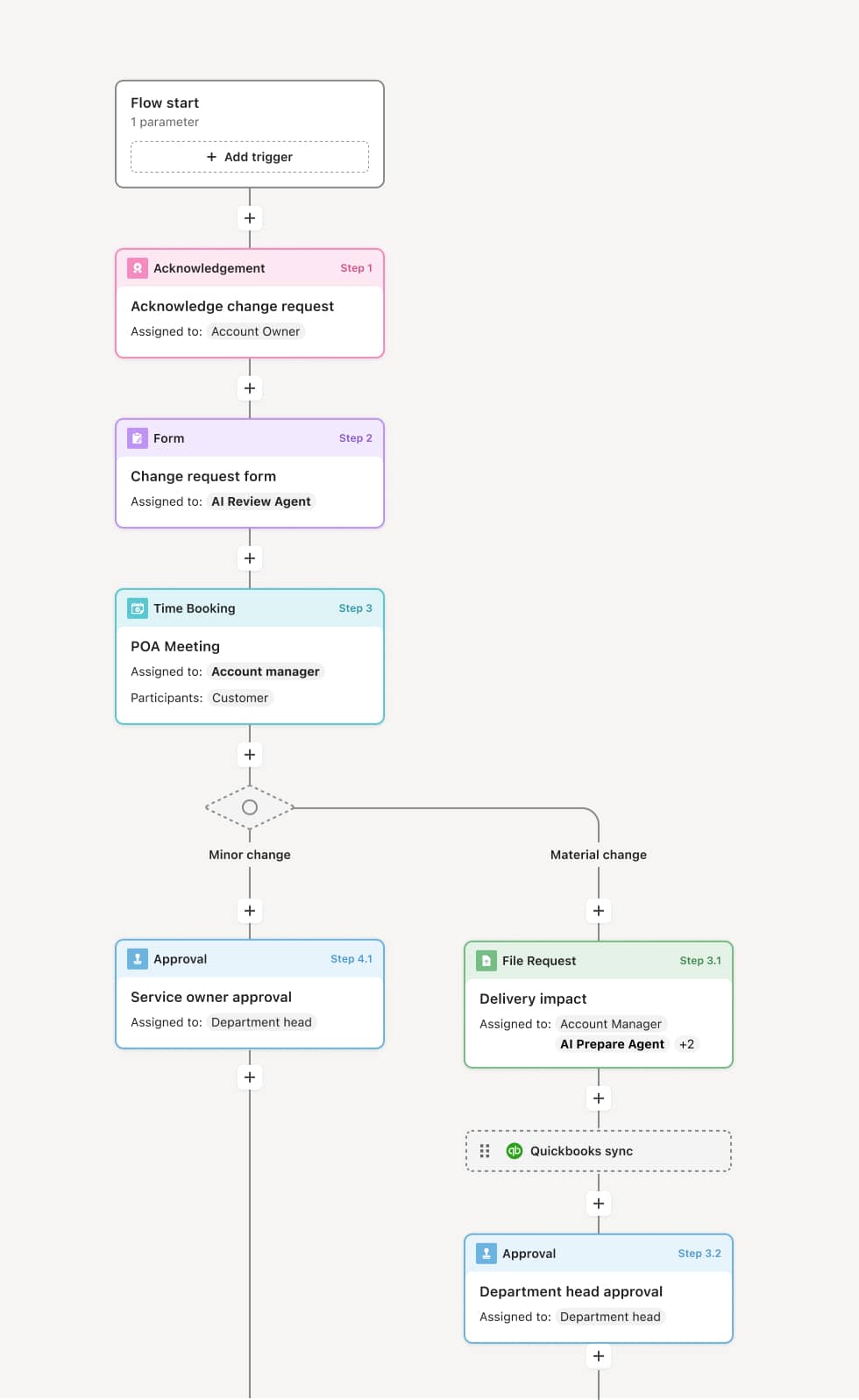
Your version of this process may vary based on roles, systems, data, and approval paths. Moxo’s flow builder can be configured with AI agents, conditional branching, dynamic data references, and sophisticated logic to match how your organization runs this workflow. The steps below illustrate one example.
Report compilation and submission
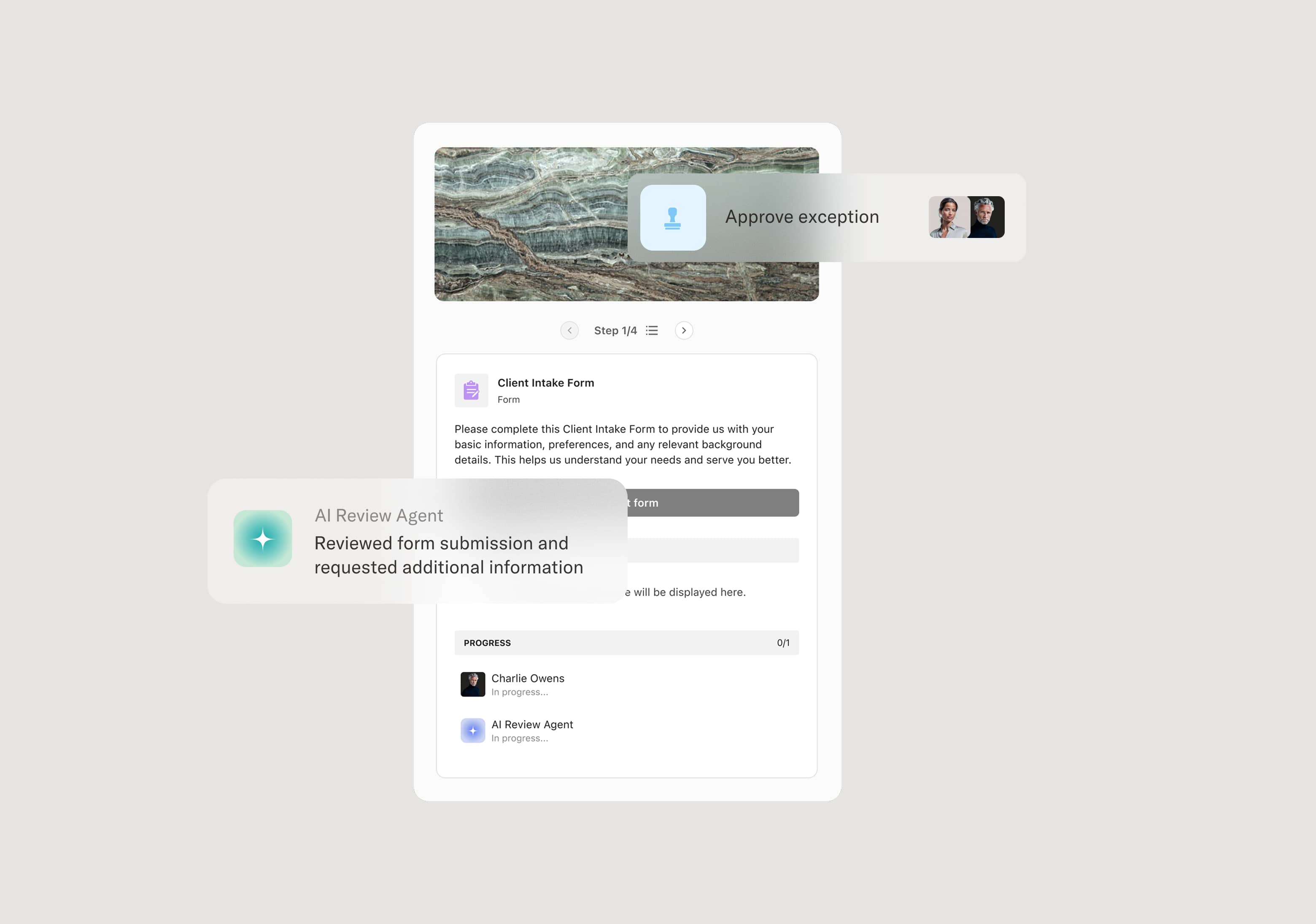
The process begins when an employee compiles their expenses into a report, attaching receipts, noting business purposes for each line item, and categorizing expenditures according to the organization’s chart of accounts. An AI Agent may assist by pre-populating fields from prior reports, flagging missing receipts, and checking that each line item has the required documentation and business justification.
Automated completeness and policy validation
Before the report reaches any human reviewer, it is checked against organizational policy. This includes verifying receipt thresholds, per-diem limits, category restrictions, and the presence of required documentation for each line item. Reports that fail validation are returned to the employee with a clear summary of what needs to be corrected. Reports that pass proceed to the manager.
Manager review and approval
The employee’s direct manager reviews the complete report, evaluating the business context, line item reasonableness, and any flags raised during validation. The manager approves, returns for modification, or denies the report. For reports within the manager’s authority, approval routes the report directly to finance processing.
Finance review and coding
Finance or accounting staff review the approved report for GL coding accuracy, budget alignment, and any remaining policy questions. If discrepancies are found, the report may be returned for clarification. High-value reports or those with flagged line items may route to a controller or senior finance leader for additional sign-off.
Reimbursement and record closure
Once fully approved, the expense report data flows to the payment system for reimbursement processing. The complete report, including all line items, receipts, approvals, and reviewer notes, is archived as part of the organization’s financial record.
This process commonly relies on inputs such as consolidated expense reports, itemized receipts, travel itineraries, project codes, and corporate card statements. It may be triggered by a scheduled reporting deadline, completion of a business trip, or a project milestone. Systems commonly connected include ERP platforms like NetSuite or SAP for GL posting and payment, HRIS platforms like Workday for employee hierarchy and policy data, and corporate card systems for transaction reconciliation.
Key decision points include whether the report passes automated policy and completeness validation, whether the manager approves the overall business justification and individual line items, whether finance identifies coding or compliance issues during their review, and whether high-value reports require additional authorization. If the report is returned at any stage, the employee receives specific guidance on corrections needed.
Reports submitted with missing receipts or incomplete line items, requiring multiple rounds of follow-up before review can begin. Manager approval given without reviewing individual line items, allowing policy violations to pass through. GL coding errors not caught until after reimbursement, creating reconciliation problems. High-value reports not routed to the appropriate additional reviewer, bypassing required authorization. Long cycle times caused by sequential rather than parallel review, delaying reimbursement and frustrating employees.
AI Agents validate expense report completeness and policy compliance at submission, flagging missing receipts, per-diem violations, and coding issues before the report reaches a human reviewer.
Routes reports through the correct approval hierarchy based on total value, line item categories, and organizational structure.
Connects approved reports to ERP systems like NetSuite or SAP for GL posting and reimbursement, reducing manual data entry and coding errors.
Supports iterative review loops where returned reports cycle back to the employee with specific feedback, reducing back-and-forth.
Maintains a complete record from submission through payment for every expense report, supporting audit readiness, reconciliation, and financial reporting.