



Table of Contents
Every list of agentic AI tools ranks them on the same question: how much can the agent do on its own? That's half the picture. The other half is what happens at the moments a human needs to be involved, and it decides whether you'd trust an agent with a client deliverable, a payment, or a compliance filing. Gartner predicts over 40% of agentic AI projects will be canceled by 2027, with inadequate governance a primary reason. The gap between autonomy hype and operational reality is real.
Moxo takes the #1 spot on this list because it is the only platform here where human control is architecture rather than an add-on. At Moxo we run on agentic workflows daily: agents draft, prepare, validate, and chase; people approve, decide, and sign. For this guide we spent time in each of these sixteen tools and compared them on both axes: how much work the agent takes off your plate, and what happens when a person needs to stay in control.
Prices and features below are current as of August 2026.
Key takeaways
Agentic AI goes beyond scripted automation. These tools interpret goals, plan multi-step work, and adapt as conditions change. The difference from trigger-action automation shows up the moment reality gets messy.
The dividing line is human control. Thirteen of the sixteen tools here treat human oversight as a node you remember to add or something you build yourself. If the work carries consequence (clients, regulators, money), that difference decides everything.
The model layer is foundational, not competitive. Claude, ChatGPT, and Grok aren't rivals to the workflow platforms; they're what the category runs on. Platforms like Moxo are bring-your-own-agent: agents built on these models plug into governed flows.
What is an agentic AI tool?
An agentic AI tool is software that can plan, decide, and execute multi-step work toward a goal, choosing its own sequence of actions rather than following a fixed script. That's the difference from traditional automation: a classic automation fires a predefined action when a trigger occurs; an agent is given an outcome and works out the steps.
The practical difference shows up when reality gets messy. A trigger-action automation breaks when a document arrives in the wrong format. An agent reads it anyway, extracts what it needs, flags what's missing, and either proceeds or escalates. That flexibility is the value, and it's also why the best agentic tools pair autonomy with human checkpoints. The agent does the work; a person stays accountable for the outcome.
The four kinds of agentic AI tools
"Agentic AI tool" covers four very different product categories. Knowing which one you're shopping for saves a lot of demo time.
Business workflow platforms: Moxo, Gumloop, Zapier, Make, Relay.app. No-code or low-code platforms where agents run inside business processes: onboarding, approvals, enrichment, reporting. Buy one of these if you want outcomes without owning the infrastructure.
Model-layer agents: Claude, ChatGPT, Grok. The frontier models themselves now plan and execute multi-step work with tool use. These aren't competitors to the platforms above; they're the foundation everything above runs on. Sometimes the model layer alone is all a technical team needs; more often you'll pair one with a platform. Moxo, for instance, is bring-your-own-agent: agents built on these models plug into its flows as first-class participants.
Multi-agent frameworks: CrewAI, LangGraph, AutoGPT, Flowise. Open-source (mostly) building blocks for engineering teams composing custom agent systems. Maximum control, maximum ownership of everything that goes wrong.
Enterprise agent platforms: Microsoft Copilot Studio, UiPath, Kore.ai. Agents attached to a large existing estate: your Microsoft tenant, your RPA fleet, your contact center. Buy the one that matches the estate you already have.
How we evaluated these tools
Six criteria, weighted toward what matters when the work is consequential:
Real autonomy. Can it plan and execute multi-step work, or is it trigger-action with an LLM node bolted on?
Human control. When a person needs to approve, review, or override: is that structural (roles, checkpoints, audit trail) or a node you have to remember to add?
Integration reach. How much of your stack it touches natively.
Time to first agent. How long from signup to something genuinely useful.
Pricing transparency. Published numbers vs. "talk to sales."
Enterprise readiness. Permissions, audit, SSO, data controls.
One honest note on method: nobody tests sixteen platforms to production depth. We've gone deepest on the business workflow platforms (that's the category we compete in) and leaned on public documentation, pricing pages, and hands-on time for the rest.
| Tool | Best for | Starting price (Aug 2026) | Human oversight |
|---|---|---|---|
| Moxo | Agentic workflows + human control for business ops | Trial on request; team + enterprise plans | Built in: roles, approvals, audit trail |
| Gumloop | Solo operators automating GTM work | $37/mo (20K credits) | Review nodes you add per flow |
| Claude | Technical teams at the model layer | Free; Pro $17/mo | You build it around the API |
| ChatGPT | Most versatile general agent | Free; Plus $20/mo | Workspace admin controls |
| Grok | Always-on agents on real-time data | Via X tiers; API usage-based | You supervise what you build |
| n8n | Technical teams, self-hosting | Free self-hosted; cloud from €20/mo | Wait-for-approval patterns, DIY |
| Zapier | Widest app coverage | Free; paid from $19.99/mo | Per-automation approval steps |
| Make | Visual automation on a budget | Free; paid from $12/mo | Approval modules, DIY |
| Relay.app | Small-team automations with sign-offs | Free tier; paid plans | Native approval steps, task scale |
| CrewAI | Engineering teams building agent crews | Open-source; enterprise custom | Developer-defined |
| LangGraph | Stateful custom agents | Open-source; paid observability | Code-level interrupts |
| AutoGPT | Open-source experimentation | Free self-hosted | You watch it |
| Flowise | Visual open-source builder | Free self-hosted; cloud plans | Assemble your own |
| Copilot Studio | Microsoft 365 organizations | Via Microsoft licensing | Tenant governance |
| UiPath | RPA-heavy enterprises | Quoted | Enterprise task queues |
| Kore.ai | Contact-center agents | Quoted | Escalation to reps |
1. Moxo: best for ops teams that need to run agentic workflows with human control
What it is. An AI workflow automation platform built for human + agent operations. Where most tools on this list automate tasks for one operator, Moxo runs agentic workflows across entire business processes (onboarding, approvals, document collection, exception handling), spanning internal teams, AI agents, and external participants like clients and vendors.
How it works. You design a flow in a visual builder (or describe it conversationally and let the AI build it): human roles on one track, AI agents on another. Agents follow five archetypes: preparing work before a human touches it, advising on decisions with assembled evidence, reviewing submissions before they move forward, executing tasks end to end, and supporting participants in chat. But the archetypes are patterns, not a catalog: Agent Foundry builds custom agents for whatever role a process needs, and teams can bring their own agents: models and agents you already run plug into flows as first-class participants. Supervisor agents oversee other agents and escalate to a person when something exceeds their scope. Automation steps that write to outside systems carry an "approve before it runs" option, so anything consequential (a charge, a record, a client-facing message) pauses for a named person first.
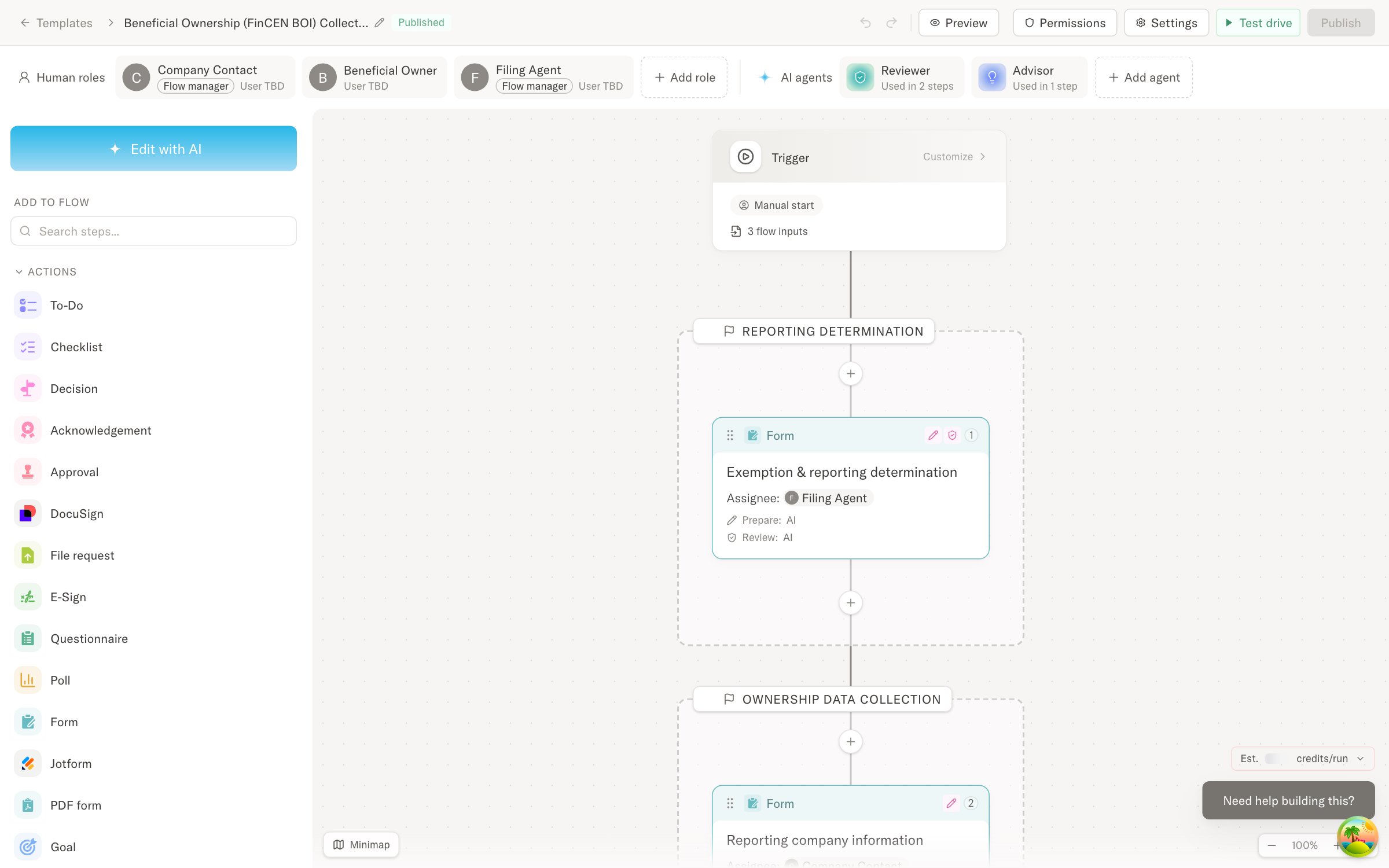
Best for. Ops and department leaders who own business operations that cross organizational boundaries and carry consequence: client onboarding, lending operations, vendor compliance, engagement delivery. External participants join through branded portals or magic links: no accounts, no app downloads.
Pricing. Team and enterprise plans, with trials on request; current tiers at moxo.com/pricing. G2 rating: 4.5 (194 reviews) as of August 12, 2026.
Pros. Human accountability is architectural: roles, approval checkpoints, and a full audit trail of who decided what, when, and with what information. Custom agents and bring-your-own agents run alongside humans in one flow with one record. External participation is first-class.
Who it's for. Moxo is built for repeatable, multi-party business operations. If the job is a one-off personal automation or a scraping task, use a lighter tool from this list, and come back when the work involves clients, approvals, or money.
Where Moxo is different. Human control is the architecture, not a feature, and the platform is AI-native, built in the agent era. Agents handle preparation, validation, routing, and follow-up; people make the calls that require judgment, and arrive with context assembled, data validated, and a clear action in front of them. Every step, agent or human, lands in one audit trail. And unlike the engineering-first tools on this list, Moxo is built for business teams: ops and department leaders design, run, and change these workflows themselves, no developers required. Teams measure the result in cycle time and throughput.
Start today: request a trial at moxo.com/get-started and have your first agentic workflow running this week.
2. Gumloop: best no-code agent builder for individual operators
What it is. Gumloop is a no-code platform for building AI-powered automations, called "flows," with a natural-language builder that assembles the pipeline for you. It has become the default recommendation for marketing and sales operators automating research, enrichment, scraping, and content pipelines.
How it works. Describe what you want; Gumloop drafts the flow from a library of nodes (browsing, scraping, LLM steps, integrations), and you refine it on a canvas. Credits meter execution. MCP support and a Chrome extension extend where flows can run.
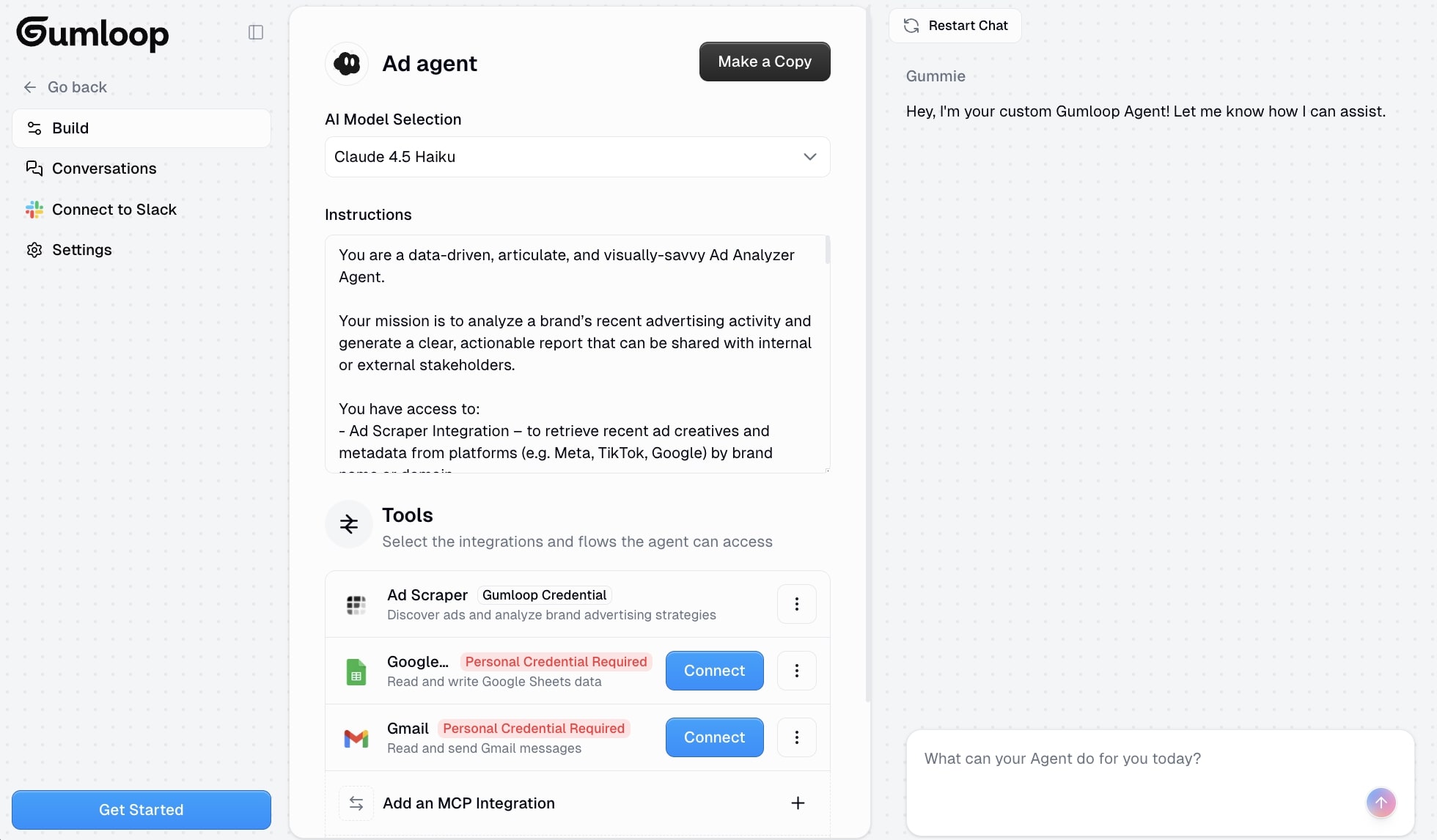
Best for. Individual operators and small GTM teams automating their own work: lead enrichment, competitive research, content repurposing, outreach prep. In our testing it was the fastest of the sixteen from signup to a working flow, and also the first to hit a ceiling the moment a second person needed to approve something.
Pricing. Pro at $37/month with 20,000 credits and unlimited seats; 14-day trial; enterprise (SSO, RBAC, audit logs, VPC) is custom. G2 rating: 4.8 (7 reviews) as of August 12, 2026.
Pros. The fastest zero-to-working-agent experience in the category. Generous credit model with unlimited seats. Strong template library and an active community shipping examples.
Cons. Built around a single operator's tasks rather than multi-party processes: there are no structural roles, and human review is a node you remember to add, and the platform never enforces it. Governance (audit logs, access control) is gated to the enterprise tier. Work product tends to live inside Gumloop rather than in a client-facing system of record.
3. Claude: best reasoning and tool use at the model layer
What it is. Anthropic's frontier model family, and in 2026 an agentic toolchain: Claude Code for autonomous software work, Cowork for non-technical task delegation, and the Model Context Protocol (MCP), which has become the de facto standard for connecting agents to tools and data.
How it works. Claude plans and executes multi-step work with tool use: reading files, calling APIs, browsing, writing artifacts. Through MCP it connects to thousands of services. Technical teams build custom agents on the API and Agent SDK; individuals get agentic behavior out of the box in the apps.
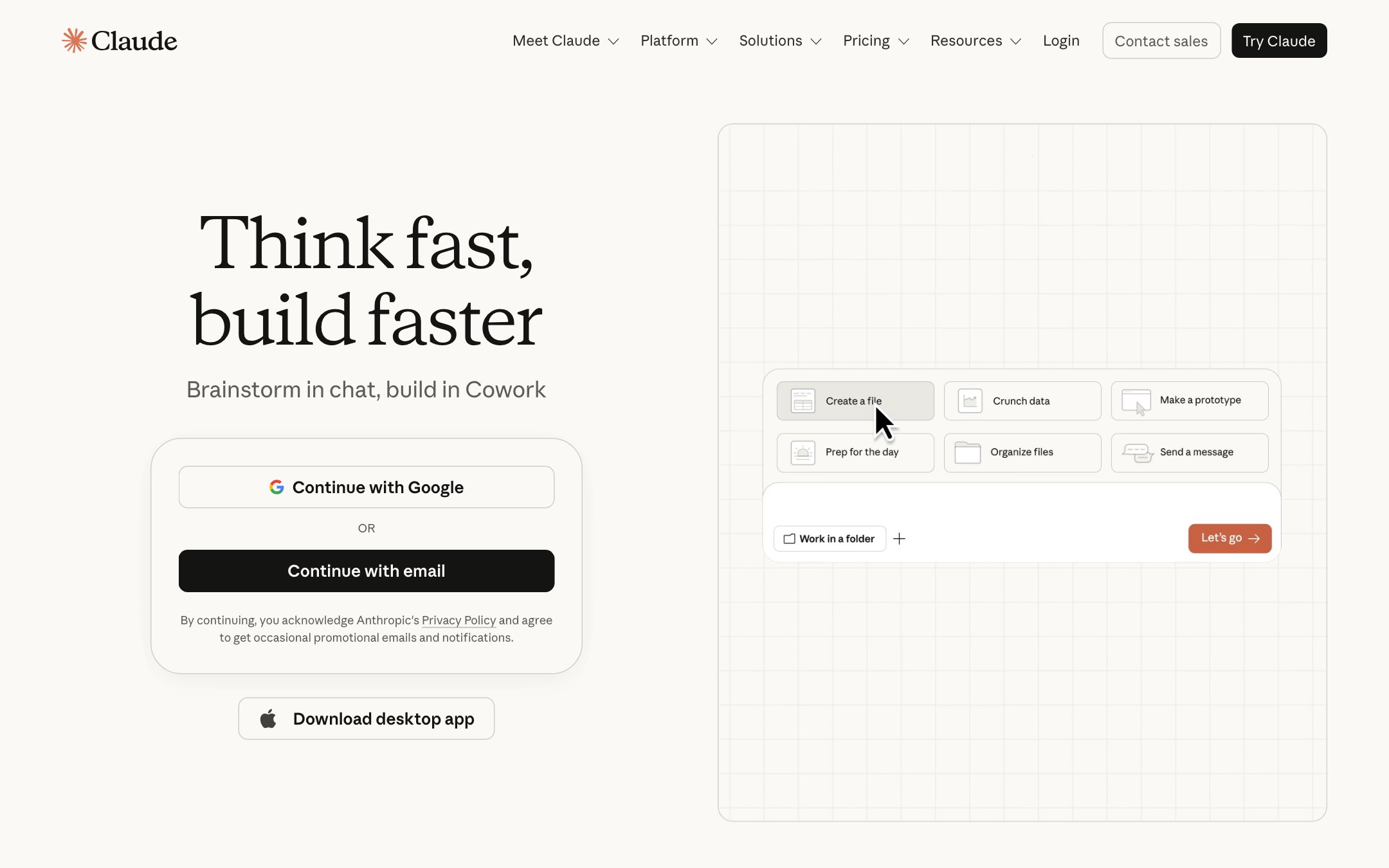
Best for. Technical teams who want maximum capability and are comfortable assembling their own guardrails; individuals delegating research, writing, and coding.
Pricing. Free tier; Pro at $17/month (annual); Max from $100/month; Team seats $20–25/month; enterprise per-seat plus usage. G2 rating: 4.6 across Anthropic products (283 reviews) as of August 12, 2026.
Pros. The strongest reasoning-plus-tool-use combination we tested. MCP ecosystem compounds monthly. Moves fast without breaking trust; the models are notably careful about consequential actions.
Cons. It's a model and a harness; the business process system around it (approval routing, roles, audit trails, client-facing surfaces) is yours to build. Costs scale with usage in ways that need watching.
4. ChatGPT: best all-round general agent
What it is. OpenAI's assistant, now a full agent surface: agent mode plans and executes multi-step work with browsing and computer use, custom GPTs package repeatable agent behavior for teams, and connectors reach into your apps. For builders, OpenAI's API and Agents SDK are among the most-used foundations for custom agents.
How it works. Give it a goal; it browses, operates a virtual computer, calls connected tools, and produces artifacts. Teams distribute custom GPTs internally; builders compose agents on the API.
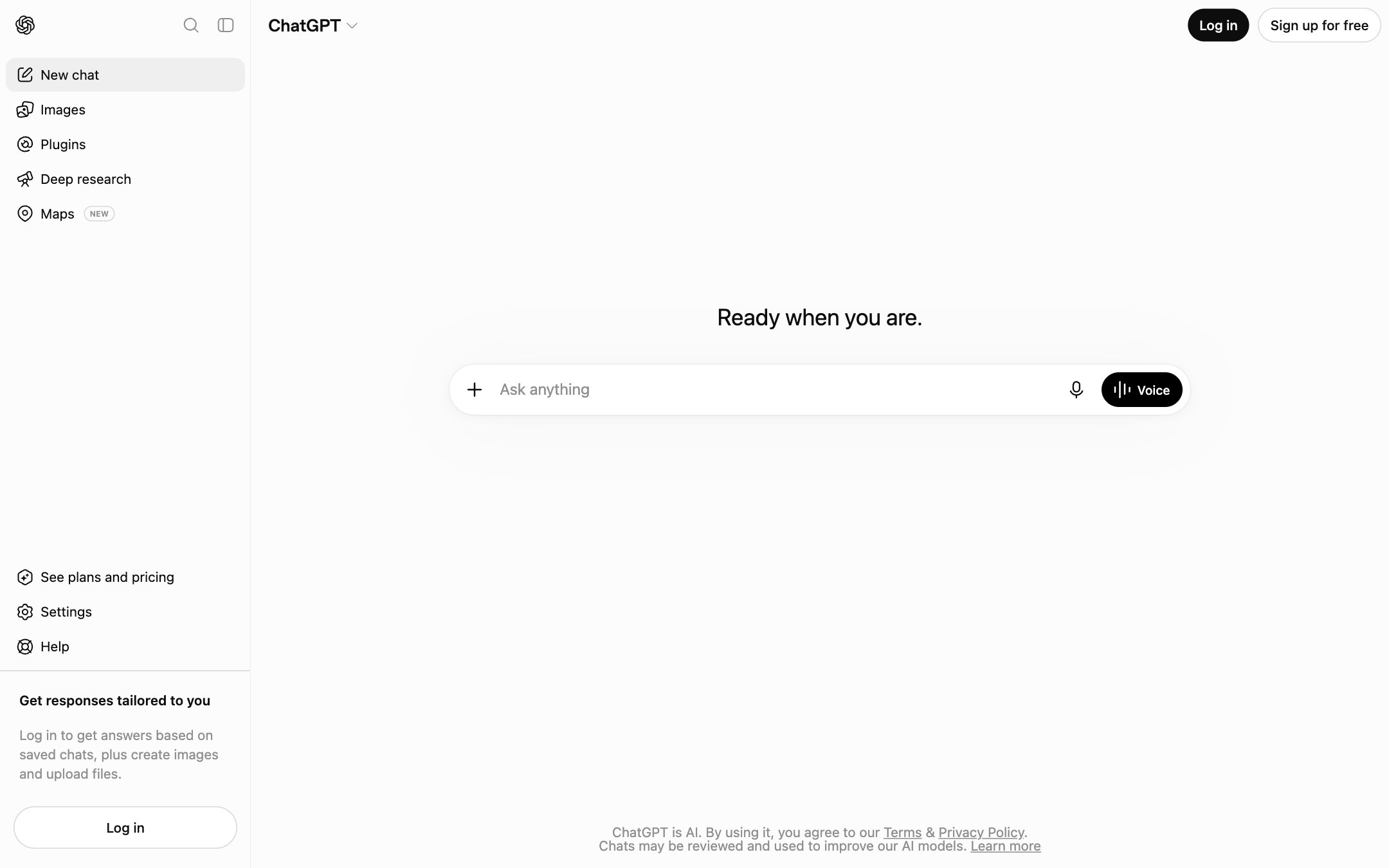
Best for. Individuals and teams who want the most versatile general-purpose agent with zero adoption friction; builders on the OpenAI stack.
Pricing. Free tier; Plus $20/month; Pro $200/month; Team seats around $25–30/month; enterprise custom. G2 rating: 4.6 (2,784 reviews) as of August 12, 2026.
Pros. The most ubiquitous AI product there is. It was the one tool on this list nobody on our team had to learn. Agent mode handles open-ended tasks well. The GPT/connector ecosystem is enormous.
Cons. A model layer: the roles, audit trails, and client-facing surfaces around it are yours to build. Organizational governance stops at the workspace admin console. High-end usage costs need watching.
5. Grok: best for always-on agents working on real-time data
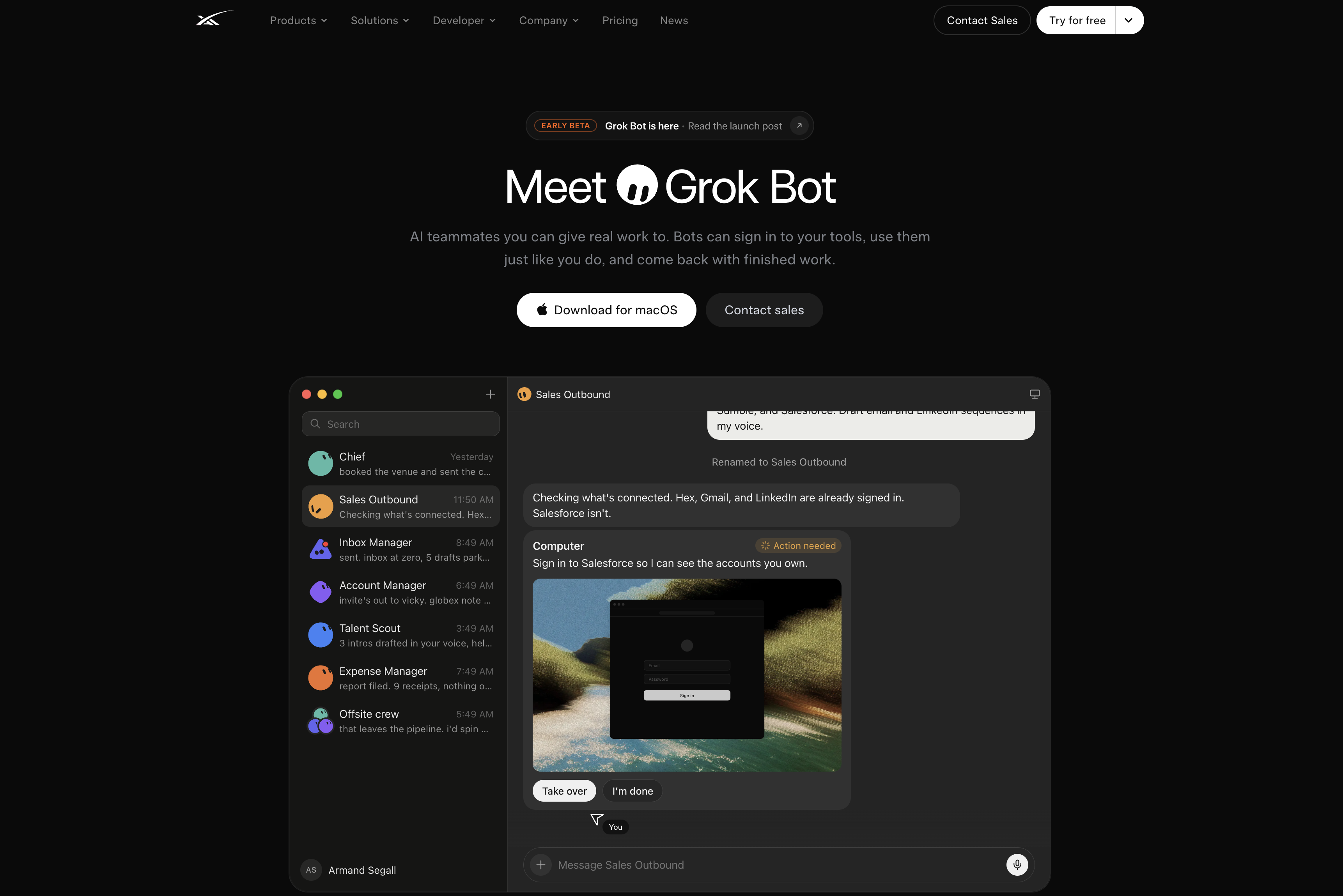
What it is. xAI's model family, distinguished by live access to real-time public data and speed. And as of this month, an agent product of its own: Grok Bot, launched August 2026, gives each agent its own cloud computer where it signs into your existing apps and works multi-step jobs around the clock, checking back when it needs approval.
How it works. Consumer-side, Grok is an assistant with real-time search built in. Grok Bot runs as always-on agents, currently in beta and bundled with xAI's top subscription tier and Cursor's premium plans following the companies' merger; enterprise access is waitlisted. The xAI API brings the models into custom agent stacks.
Best for. Teams that want always-on agents watching live data: brand monitoring, market and competitive intelligence, trend-driven research. Grok Bot keeps working around the clock and checks back when it needs a decision.
Pricing. Bundled with X subscription tiers; API is usage-based.
Pros. Unmatched real-time data access. Fast. Aggressive release cadence.
Cons. The newest and least proven business story on this list: Grok Bot is weeks old and in beta, governance and enterprise controls trail the other model providers, and the brand's edgy tone won't fit every compliance department.
6. n8n: best for technical teams that want control
What it is. n8n is an open-source workflow automation platform (200K+ GitHub stars) that added serious agent capabilities: AI nodes, agent steps, and memory, composable with 400+ integrations and arbitrary code.
How it works. Visual node editor, self-hosted or cloud. Agent nodes wrap models with tools and memory; everything else (branching, retries, error handling) is classic n8n. Community edition is free to self-host.
Best for. Technical teams (and technically-inclined operators) who want to own their automation infrastructure, keep data on their servers, and pay flat rather than per-task.
Pricing. Free self-hosted community edition; cloud from €20/month for 2,500 executions; Pro €50/month; Business €667/month adds SSO and self-hosted support; enterprise custom. G2 rating: 4.7 (283 reviews) as of August 12, 2026.
Pros. Full control and data residency. Execution-based pricing is honest at scale. The agent nodes do real work.
Cons. The learning curve is real; this is a builder's tool. Reliability, governance, and audit are your operational responsibility.
7. Zapier: best integration breadth
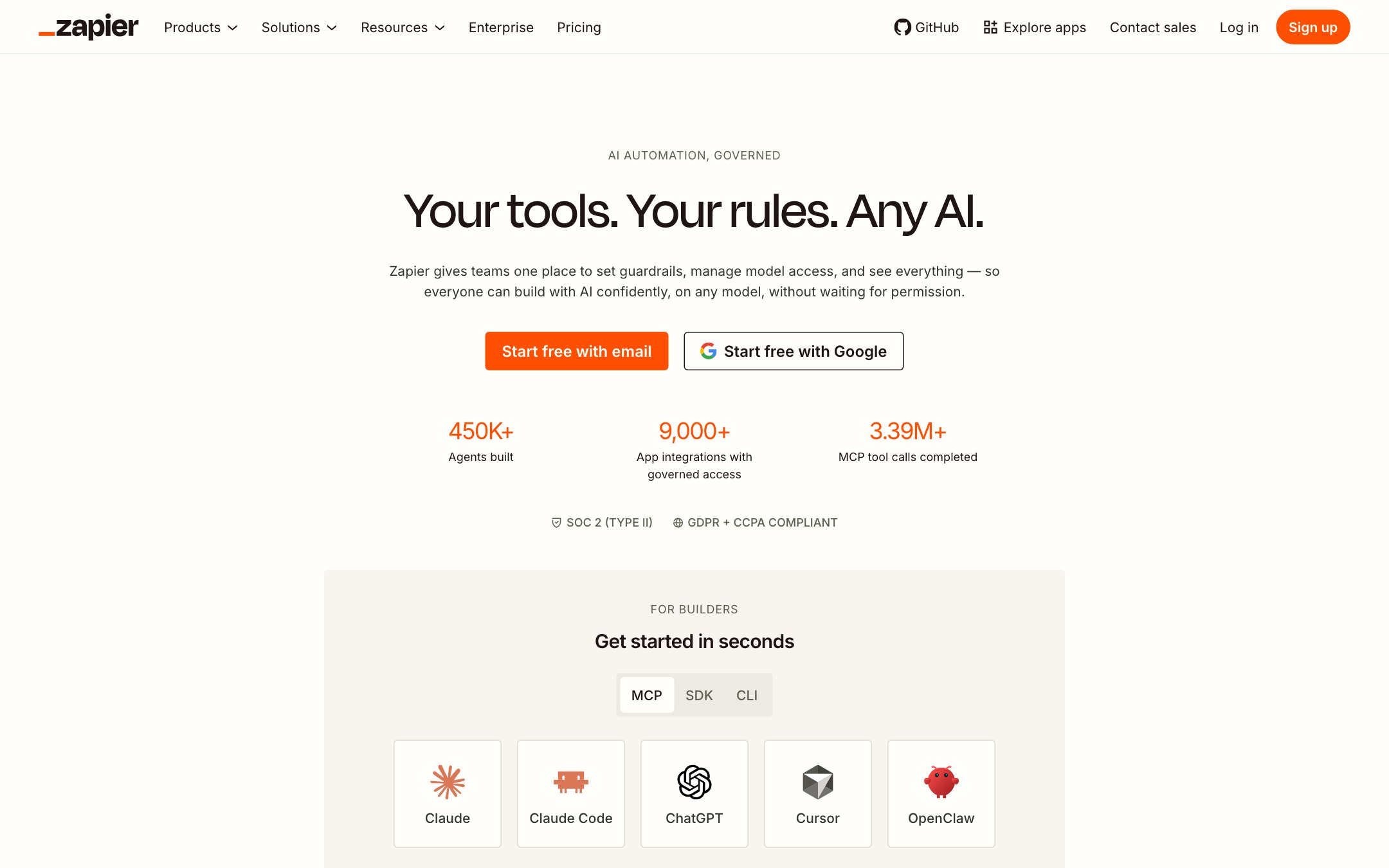
What it is. Zapier is the biggest name in no-code automation, now with an agents product layered onto the largest app directory in the category (thousands of apps).
How it works. Classic Zaps remain trigger-action. Zapier Agents accept a goal and work across your connected apps; Copilot builds automations from plain English.
Best for. Teams whose stack is long-tail SaaS: if an obscure tool has an API, Zapier probably already integrates it.
Pricing. Free plan (100 tasks/month); paid from $19.99/month for 750 tasks; Team from $69/month; Agents has a free allowance (400 activities/month) with paid from about $33/month; enterprise custom. G2 rating: 4.5 as of August 12, 2026.
Pros. Unmatched integration coverage. Agents inherit your existing connections, so the setup cost of agentic work drops to near zero if you're already a customer. Mature reliability tooling.
Cons. Task-based pricing gets expensive at volume. The agents product is young relative to the core platform. Multi-party, human-role processes aren't the model; it connects apps; coordinating people is out of scope.
8. Make: best visual automation value
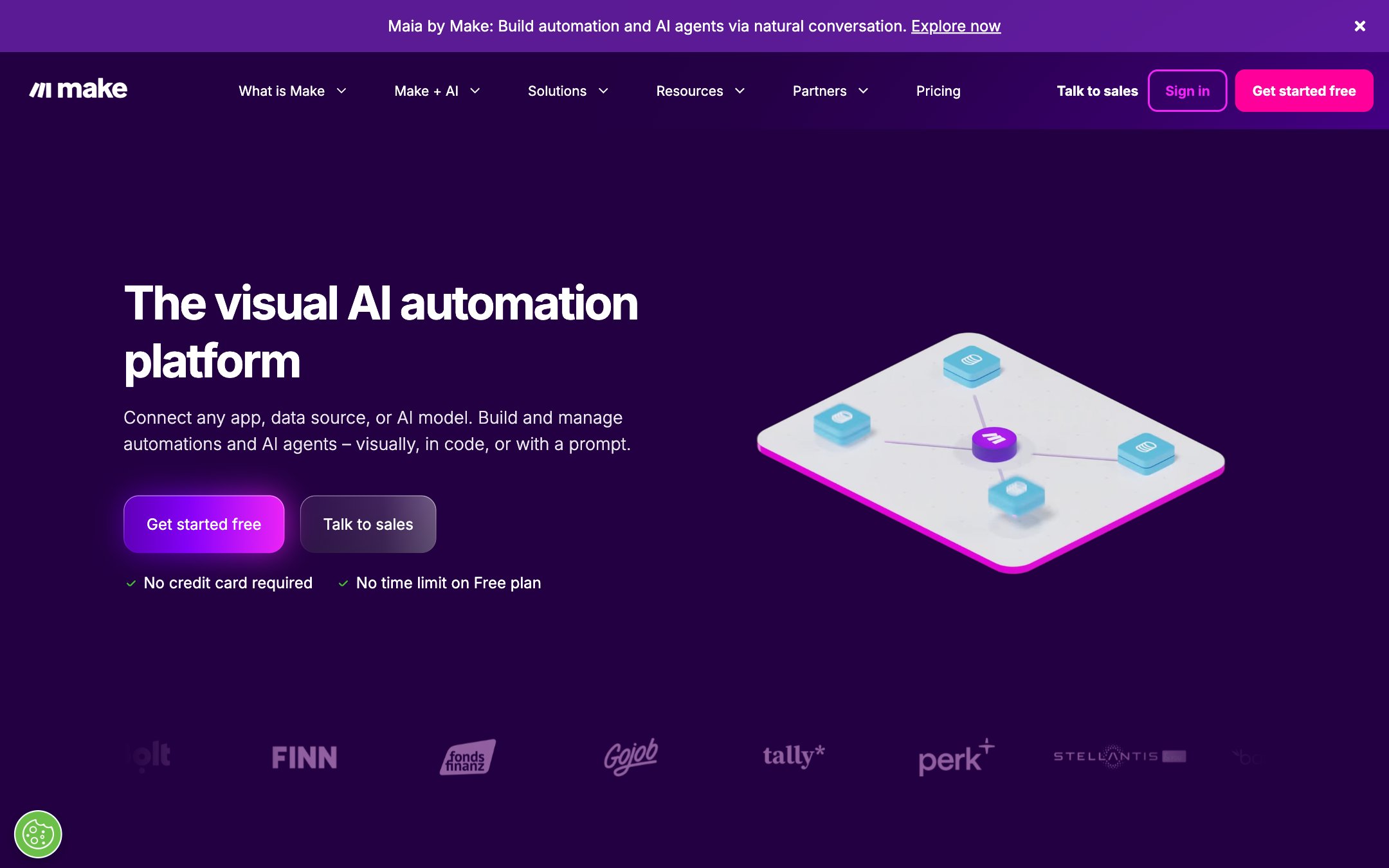
What it is. Make is the visual automation platform formerly known as Integromat: 3,000+ apps, an elegant scenario canvas, and now AI agents in beta across all tiers.
How it works. Scenarios chain modules visually with routers and filters; the new agent modules add goal-directed steps. Credits meter operations.
Best for. Budget-conscious teams who think visually and want power without per-task sticker shock.
Pricing. Free (1,000 credits/month); Core $12/month; Pro $21/month; Teams $38/month; enterprise custom. G2 rating: 4.6 (320 reviews) as of August 12, 2026.
Pros. The best price-to-capability ratio in no-code automation. The visual model scales to complex logic better than most rivals. Agents included in every tier, not upsold.
Cons. Credit arithmetic takes getting used to. Agents are beta and it shows. Same single-operator DNA as its peers: humans appear as steps; there are no roles.
9. Relay.app: best lightweight automation with human checkpoints
What it is. Relay.app is a no-code automation tool that made human-in-the-loop its founding feature: approvals, reviews, and data-entry handoffs are first-class steps.
How it works. Playbooks chain triggers, app actions, AI steps, and, distinctively, human steps: approve this, review that, fill in the blank. Recent releases added agentic AI steps that plan across tools.
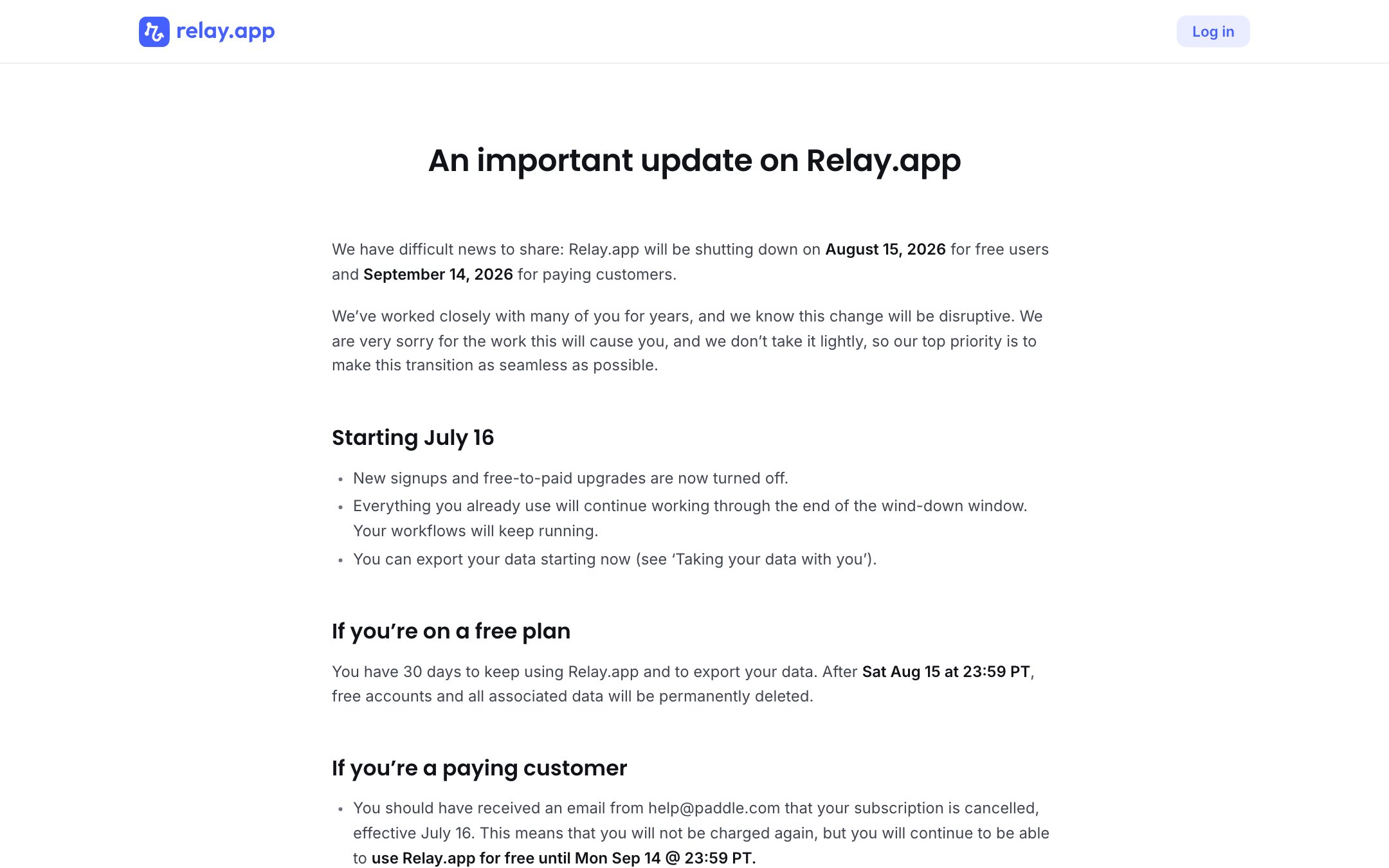
Best for. Small teams automating recurring internal work (content pipelines, hiring ops, customer touchpoints) who want a person in the loop without building it themselves.
Pricing. Free tier available; current paid plans at relay.app. G2 rating: 4.9 (70 reviews) as of August 12, 2026.
Pros. Human checkpoints are native: the cleanest implementation in the lightweight tier. Friendly editor non-technical people actually use. Thoughtful Slack/email surfaces for approvals.
Cons. Integration directory is a fraction of Zapier's. The automation brain is simpler than the frameworks'. Built for team scale: no client-facing surfaces, light governance.
10. CrewAI: best multi-agent framework crossing into the enterprise
What it is. CrewAI is the open-source framework that popularized role-based agent "crews," now positioning as an enterprise agent build-and-runtime platform with Fortune 500 logos.
How it works. Define agents with roles, goals, and tools; compose them into crews with task flows. The managed platform adds deployment, monitoring, and governance around the open core.
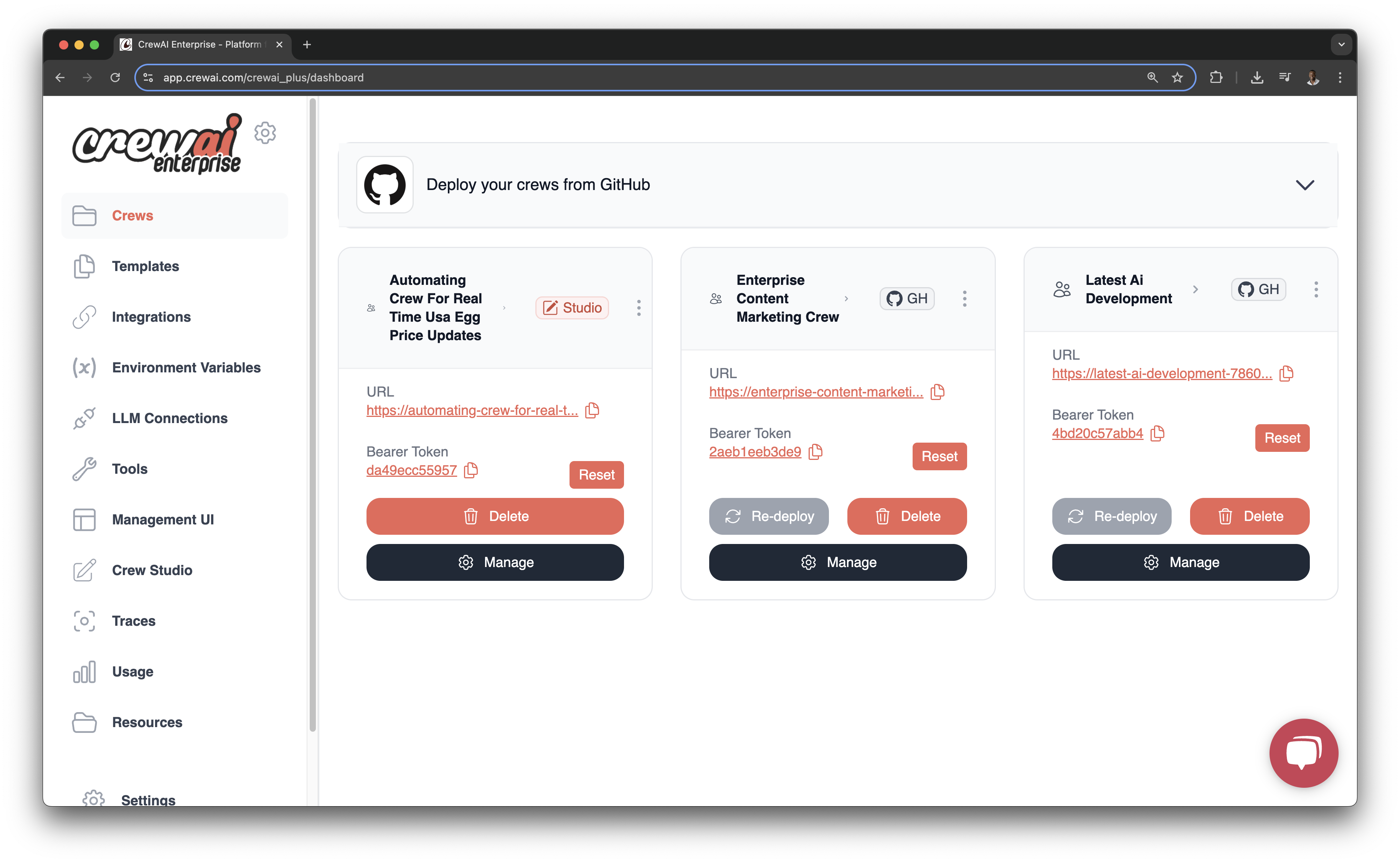
Best for. Engineering teams that want multi-agent orchestration with structure, and a managed path when pilots need to become production. This is an IT-owned tool, built by engineers for engineers: if the people who run the workflow sit in operations rather than engineering, look at the business workflow platforms instead.
Pricing. Open-source framework is free; the enterprise platform is custom-quoted.
Pros. The role/crew abstraction maps naturally to how businesses think about work. Big community, fast iteration. A real graduation path from framework to platform.
Cons. It's an engineering project; product teams shouldn't expect no-code. Enterprise pricing is opaque. Human oversight is whatever you build.
11. LangGraph: best for engineering teams building stateful agents
What it is. LangGraph is LangChain's orchestration framework for building agents as explicit graphs: state, branching, retries, and human-interrupt points as code.
How it works. You model the agent's control flow as a graph; interrupts pause execution for human input and resume with full state. Paired with LangSmith for observability (paid plans).
Best for. Teams building production agents with strict control requirements: the ones who read "the agent decided on its own" as a bug report.
Pricing. Open-source; platform/observability via LangSmith paid tiers.
Pros. The most explicit control model in the category: nothing happens that isn't in the graph. Interrupt/resume for human approval is a real primitive. Battle-tested in production deployments.
Cons. Engineers only. You're building the entire surrounding system: UI, audit, notifications, roles. Verbose for simple things.
12. AutoGPT: best open-source starting point
What it is. AutoGPT is the 2023 project that made "autonomous agent" a household term, matured into an open-source agent platform with a visual builder and marketplace.
How it works. Give it a goal; it decomposes, executes with tools, and iterates. The platform version adds blocks, scheduling, and a UI over the raw loop.
Best for. Learning how agents actually behave, prototyping, and self-hosted experimentation without spend.
Pricing. Free, self-hosted open source.
Pros. Free, and educational: you'll understand agent failure modes by Friday. Active community. No vendor in the loop.
Cons. Reliability on long tasks still varies. Everything operational is DIY. No business-process awareness at all.
13. Flowise: best open-source visual builder
What it is. Flowise is an open-source drag-and-drop builder for LLM apps and agents: chains, memory, tools, and agent logic on a canvas, self-hosted for free.
How it works. Compose nodes visually; expose the result as a chatbot, API, or embedded widget. Managed cloud plans exist for teams that don't want to run it.
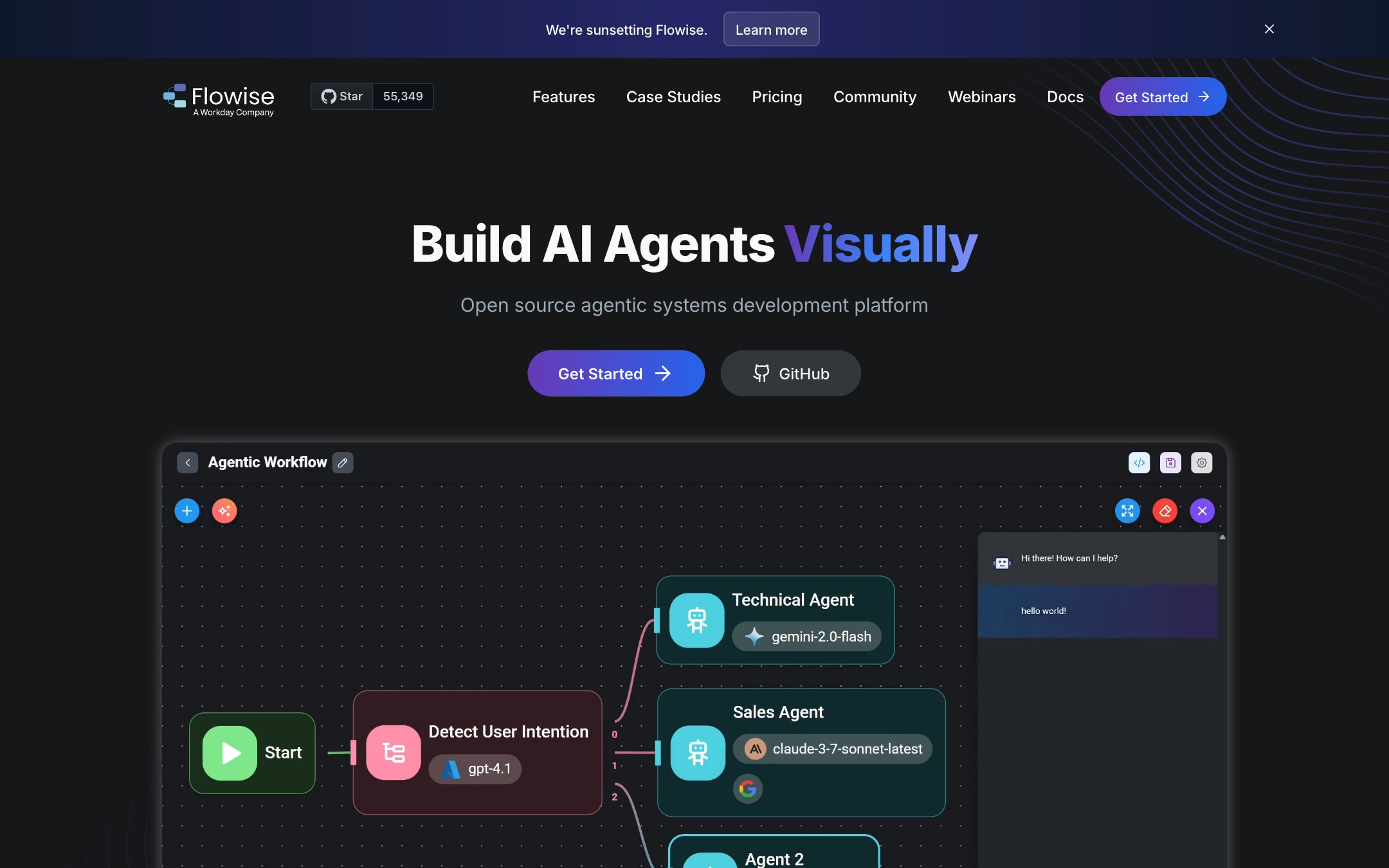
Best for. Teams that want visual agent-building without a SaaS bill, or need the whole thing inside their own network.
Pricing. Free self-hosted; managed cloud plans available.
Pros. The fastest visual path in open source. Big node library. Embeds cleanly into existing products.
Cons. Oriented to LLM apps more than business processes. Production hardening (auth, scaling, audit) is your job.
14. Microsoft Copilot Studio: best for Microsoft 365 organizations
What it is. Microsoft Copilot Studio is Microsoft's agent-building environment: custom copilots and autonomous agents that live natively in the M365 estate: Teams, SharePoint, Dynamics, the Graph.
How it works. Low-code builder for topics, actions, and autonomous triggers; agents inherit tenant identity, permissions, and data governance.
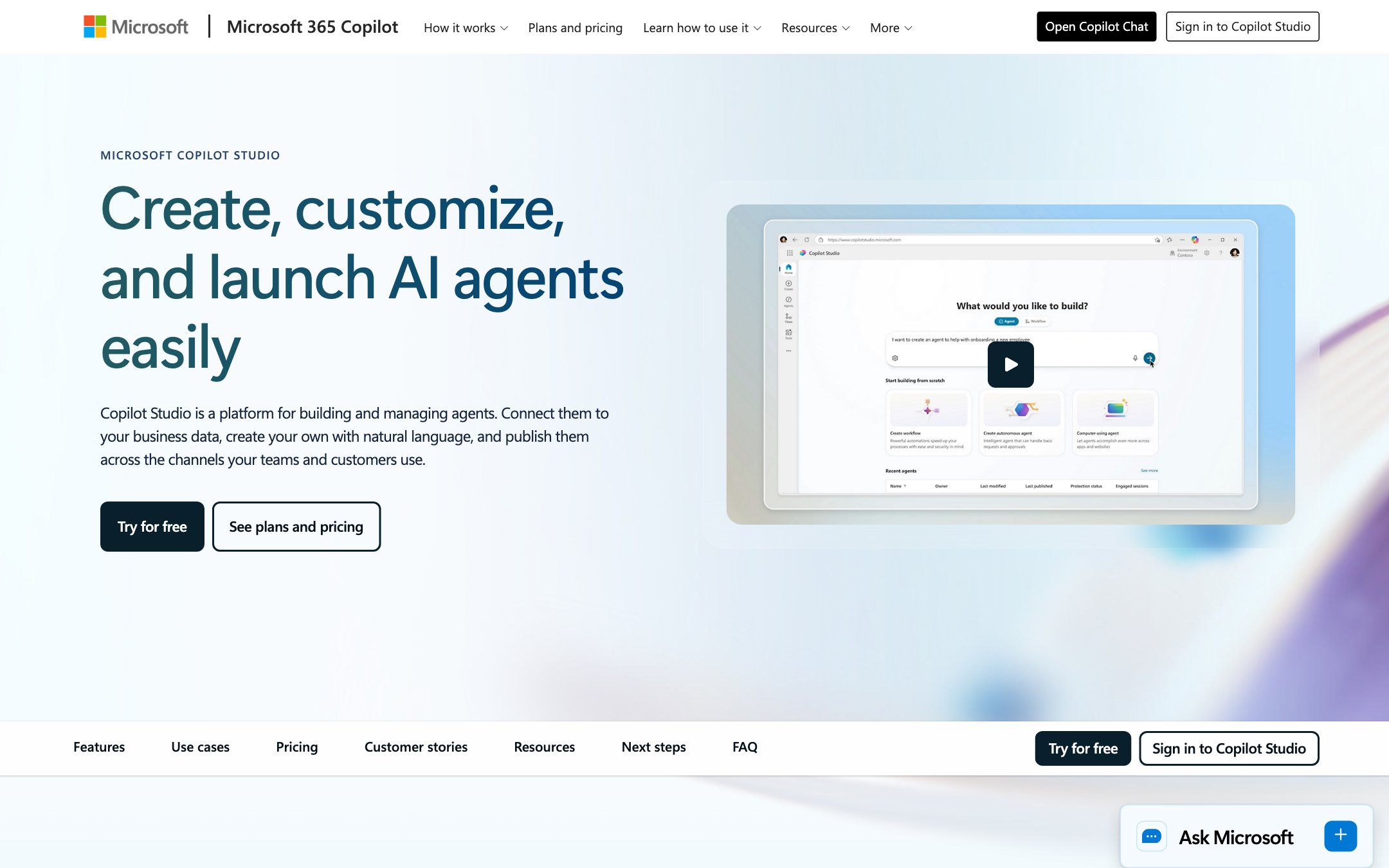
Best for. Organizations whose work already lives in Microsoft; the integration you'd otherwise build is already there.
Pricing. Licensed through Microsoft 365 with consumption/message-pack components; model it with your Microsoft rep; effective cost varies with usage. G2 rating: 4.4 (144 reviews) as of August 12, 2026.
Pros. Tenant-level governance for free: identity, DLP, compliance boundaries your IT team already runs. Reach into the tools your company actually uses all day.
Cons. Gravity: it's excellent inside the Microsoft walls and awkward outside them. Licensing takes a spreadsheet to understand. Cross-boundary processes with external parties are not the sweet spot.
15. UiPath: best for RPA-heavy enterprises adding agents
What it is. UiPath is the RPA market leader's agentic evolution: robots for the deterministic work, agents for the judgment-adjacent work, one orchestration layer over both. It is a previous generation of automation retooled for the agent era, and it carries both the maturity and the weight of that inheritance.
How it works. Existing UiPath robots handle screens, documents, and legacy systems; agent capabilities layer LLM reasoning over them, with enterprise orchestration, queues, and audit throughout.
Best for. Enterprises with a UiPath estate and heavy document/legacy-system workloads: insurance intake, claims, back-office finance.
Pricing. Quoted; enterprise sales motion. G2 rating: 4.6 across UiPath products (7,768 reviews) as of August 12, 2026.
Pros. Nobody touches legacy systems and documents at this depth. Mature orchestration, queues, and audit. The robot+agent combination is complementary.
Cons. Heavy: IT-led implementation, real cost, long time-to-value. Built for internal operations; external-participant experience isn't the model.
16. Kore.ai: best for contact-center AI agents
What it is. Kore.ai is an enterprise conversational-AI platform, and fundamentally a contact-center play. It's strong at automating service conversations across chat and voice; "agentic" here means smarter service interactions.
How it works. Build service agents with dialog, retrieval, and action capabilities; deploy them across channels with enterprise controls; agent-assist supports human reps mid-conversation.
Best for. Large organizations automating high-volume customer and employee service interactions.
Pricing. Quoted; enterprise sales motion. G2 rating: 4.6 across Kore.ai products (463 reviews) as of August 12, 2026.
Pros. Deep contact-center maturity, including voice; this category existed here before "agentic" was a word. Strong agent-assist and escalation patterns.
Cons. It automates conversations about your processes, not the processes themselves; the workflow behind the conversation still has to live somewhere. Enterprise procurement required. Overkill outside the service organization.
Which agentic AI tool is best?
Moxo is the best agentic AI tool for business operations, and it holds the #1 spot here because human control is built into its architecture. The right pick depends on your situation:
You run business operations with consequence (onboarding, lending, compliance, franchise management): Moxo. It's the only tool on this list where human control is part of the architecture.
You're one operator automating your own GTM work: Gumloop: fastest to value, honest credit model.
You're a technical team that wants to own everything: n8n self-hosted, or LangGraph if you're building product-grade agents.
Your company lives in Microsoft: Copilot Studio before anything else: governance you already have.
You want maximum general capability and will build your own guardrails: Claude or ChatGPT at the model layer; Grok if you want always-on agents working on real-time data. And note this isn't an either/or with the platforms above; the model layer is what they run on, and platforms like Moxo let you bring agents built on these models into your workflows.
How to choose: five questions
1. What happens if the agent is wrong? If the answer involves a client, a regulator, or money, structural human checkpoints are a requirement.
2. Does the process cross your company's boundary? Clients, vendors, and partners change the problem completely; most tools here have no answer for external participants.
3. Who's building? Operators need no-code (Moxo, Gumloop, Zapier, Make, Relay). Engineers can go framework (CrewAI, LangGraph) for control.
4. What's your existing estate? Microsoft shops: Copilot Studio. UiPath shops: UiPath agents. Long-tail SaaS: Zapier.
5. Repeatable process or one-off tasks? Processes deserve orchestration platforms; tasks deserve lightweight automation. Buying the wrong shape is the most common mistake we see.
For a deeper look at the framework layer specifically, see our agentic AI framework comparison. If you're working out how agents connect to your existing systems, start with AI agent integration.
If your processes cross departments, involve external stakeholders, and require clear accountability, explore how Moxo supports that model.
FAQs
What are the best tools for agentic AI?
It depends on who's using them: Moxo for agentic workflows with human control across business operations, Gumloop for individual no-code operators, Claude and ChatGPT for general agent capability at the model layer, n8n for technical self-hosters, CrewAI and LangGraph for engineering teams, and Copilot Studio for Microsoft-centric organizations.
What are examples of agentic AI tools?
Business workflow platforms (Moxo, Gumloop, Zapier Agents, Make, Relay.app), model-layer agents (Claude, ChatGPT, Grok), multi-agent frameworks (CrewAI, LangGraph, AutoGPT, Flowise), and enterprise platforms (Microsoft Copilot Studio, UiPath, Kore.ai).
Who is the leading agentic AI?
No single vendor leads the category; it splits by use case. Claude leads model-layer capability; Zapier leads no-code adoption; CrewAI and LangGraph lead open-source frameworks; Moxo leads human-AI workflows; UiPath and Kore.ai lead their enterprise estates. The model layer is foundational rather than competitive; platforms build on it.
Is there a free agentic AI?
Yes. n8n's community edition, AutoGPT, Flowise, and CrewAI's framework are free and open source. Claude, ChatGPT, Zapier, and Make all have meaningful free tiers. Free gets you experimentation; production reliability and governance are what you end up paying for.
What makes a tool "agentic AI" versus traditional automation?
Traditional automation executes predefined trigger-action rules and breaks when inputs vary. An agentic tool is given a goal, plans its own steps, uses tools, and adapts when reality doesn't match the script, then escalates to a person when it exceeds its scope. See our full breakdown of agentic AI vs RPA.
Are agentic AI platforms suitable for regulated industries?
Yes, if and only if human accountability is structural. Regulators, courts, and boards hold people accountable, not software. Look for named human approval steps, role-based access, and an audit trail that proves who decided what, when, and with what information. Bolted-on review nodes don't survive an audit; here's how human-in-the-loop governance works in practice.
How should a team pilot agentic AI tools?
Pick one recurring process with measurable cycle time. Map which steps are judgment (keep human) versus coordination (delegate to agents). Run 30 days, measure cycle time and throughput against baseline, then scale what worked. Don't pilot on your most regulated process, but don't pilot on a toy, either.
Do agentic AI tools replace traditional automation entirely?
No. Deterministic, high-volume, never-varies work still belongs to classic automation; it's cheaper and more predictable. Agents earn their keep where inputs vary, judgment is adjacent, and exceptions used to mean a human doing tedious coordination.
