When an incident hits at 2 am, nobody wants to figure out the procedure from scratch. They want a document that tells them exactly what to check, who to contact, and what to do if step three fails.
That document is a runbook—a structured, step-by-step guide for handling specific, repeatable scenarios, from production outages to vendor onboarding to month-end close. Companies that invest in process standardization report up to 30% fewer operational errors, according to McKinsey research.
This guide covers what a runbook is, how it differs from playbooks and SOPs, and how to write one your team will actually use.
Key takeaways
A runbook is a documented, step-by-step guide for handling specific operational scenarios. It tells your team exactly what to do, in what order, and who to escalate to when something goes wrong (or right).
Runbooks differ from playbooks and SOPs in scope and specificity. Playbooks are strategic. SOPs cover broad procedures. Runbooks are task-specific and built for execution.
The best runbooks include steps, decision points, escalation paths, and automation triggers. A runbook without decision logic is just a checklist. The decision points are what make it useful at 2 a.m.
Runbooks become operational when embedded in workflow tools, not stored in wikis. The gap between a documented runbook and an executable workflow is coordination. Someone still has to assign tasks, manage handoffs, and track completion.
What is a runbook
A runbook is a documented set of procedures for handling a specific operational scenario. It covers a defined scope: one process, one incident type, one recurring task. The instructions are sequential, detailed enough that someone unfamiliar with the process can follow them, and specific enough that there is no guesswork about what to do next.
The term originated in IT operations, where engineering teams needed reliable instructions for responding to system alerts and infrastructure failures. But the concept applies far beyond IT. Any repeatable business process that involves multiple steps, multiple people, or both benefits from a runbook.
Types of runbooks
Three types of runbooks show up most often in operations:
Incident response runbooks document the procedures for diagnosing and resolving specific system failures. A database failover runbook, for example, walks the on-call engineer through verification, failover execution, data integrity checks, and stakeholder notifications.
Operational procedure runbooks cover recurring business tasks like employee offboarding, vendor compliance reviews, or monthly financial reconciliation. These are the processes that happen on a schedule and need to happen the same way every time.
Automation runbooks define the logic for automated workflows, including trigger conditions, automated steps, human checkpoints, and failure handling. These are increasingly relevant as teams adopt AI workflow automation for routine operational work.
A runbook can also be
- Manual: Step-by-step instructions followed by the operator
- Semi-automated: A combination of operator-followed steps with automated steps
- Fully automated: All steps are automated and require no operator
The difference: Runbook vs playbook vs SOP
These three terms get used interchangeably, which creates confusion. They serve different purposes.
A playbook is a strategic guide for how to approach a category of problems.
An SOP defines the organizational standard for how a process should always be done.
A runbook tells a specific person exactly what to do, right now, for this specific situation.
You need all three. But when operations are on fire, the runbook is the one people reach for.
Runbook examples for IT and business operations
Make this section more succinct and to the point
The best way to understand what a runbook looks like in practice is to see how different teams use them. These four examples span IT operations and broader business processes
Incident response runbook (IT). A production outage hits your payment processing service. The runbook starts with a trigger condition (error rate exceeding 5% for more than two minutes), followed by diagnostic steps (check service health dashboards, review recent deployments, verify database connectivity). Each step includes expected outputs. Decision points branch the procedure based on what the diagnostic reveals. Escalation paths specify who gets paged and when, and the runbook ends with verification steps to confirm the service has recovered, plus a post-incident review process.
Employee offboarding runbook (HR/IT). When an employee gives notice, this runbook coordinates the work that spans HR, IT, Finance, and the departing employee's manager. It includes timeline triggers (Day 0 is resignation date, Day 1 is manager notification, Day 3 is knowledge transfer initiation), system access revocation sequences, equipment return procedures, final payroll processing steps, and exit interview scheduling. The challenge with this runbook is coordination. Five different teams need to act, and the steps are interdependent. If IT revokes access before knowledge transfer completes, you have a problem.
Vendor compliance review runbook (Procurement). Before renewing a vendor contract, your compliance team runs a structured review. The runbook includes document collection requirements (insurance certificates, SOC 2 reports, security questionnaires), review criteria for each document type, escalation procedures for flagged issues, and approval routing based on contract value thresholds. This is a good example of a runbook that extends beyond IT into business process optimization, where structured procedures need orchestration across internal teams and external stakeholders.
Month-end close runbook (Finance). This is the runbook your finance team dreads and depends on equally. It sequences journal entries, account reconciliations, variance analysis, and reporting across a compressed timeline. Each step has a named owner, a deadline relative to close date, and a verification checkpoint. The reconciliation steps include tolerance thresholds and escalation procedures for variances that exceed them. Missing one step cascades delays across the entire close process.
How to write a runbook: structure and best practices
Same with this. Make it more succinct and to the point
A useful runbook has seven components. Skip any of them, and you end up with documentation that looks good in a wiki but fails the moment someone needs it.
Trigger conditions define when the runbook activates. Be specific. "When the payment service is down" is too vague. "When the payment service error rate exceeds 5% for more than 120 seconds, as measured by the Datadog alert named PSP-CRITICAL-001" gives someone enough context to know this runbook applies to their situation.
Prerequisites list what the operator needs before starting. System access, tools, credentials, and permissions. If someone has to stop mid-runbook to request access to a monitoring dashboard, the runbook has already failed.
Step-by-step procedures are the core of the runbook. Each step should include the action (what to do), the expected result (what you should see), and the next step reference (where to go based on the outcome). Keep the language direct. Use the second person. "Check the service health dashboard at [URL]. Verify that all upstream dependencies show green status."
Decision points separate a runbook from a checklist. At key steps, the procedure branches based on what the operator finds. "If the error rate dropped below 2% after step 4, proceed to step 7 (verification). If the error rate persists above 5%, proceed to step 5 (escalation)." This is where process documentation becomes genuinely valuable, because it encodes the judgment of experienced operators into a structure that less experienced team members can follow.
Escalation paths define who to contact when the procedure reaches its limits. Include names or roles, contact methods, and the information the escalation recipient needs. Your on-call engineer should not have to explain the entire situation from scratch when they escalate.
Verification steps confirm the runbook achieved its intended outcome. Don't end with "restart the service." End with "restart the service and verify the error rate has returned to baseline (< 0.5%) for at least 10 minutes."
Post-execution review captures what happened, how long it took, and whether the runbook worked as documented. This is how runbooks improve over time. Without a review step, your runbook slowly drifts out of date as systems change.
Creating a runbook template for your company
From static runbooks to automated workflows
Most runbooks start as documents — Google Docs, Confluence pages, and sometimes PDFs. The documentation itself is valuable. But there's a gap between a documented runbook and an operational workflow.
That gap is coordination. A runbook tells you what to do. It doesn't assign the task, track completion, route work to the next person automatically, send automated notifications or create an audit trail of who did what and when. And this is where teams get stuck.
The fix is turning the runbook into a workflow template that consists of the same procedures but with assigned owners, automated handoffs, and status tracking. Instead of reading a document and manually pinging colleagues, the workflow engine handles routing and captures completion data automatically. That's where Moxo comes in.
How Moxo turns runbooks into executable operational workflows
The value of a runbook is obvious. The challenge is making it operational at scale, especially for processes that span internal teams and external stakeholders.
Moxo is a process orchestration platform that takes documented procedures and turns them into live workflows. Instead of a runbook sitting in a wiki, it becomes a templatized flow with assigned owners, automated task routing, and built-in accountability at every step.
Structured task routing ensures each step in the runbook is assigned to the right person, with the right context, at the right time. When step three completes, step four automatically routes to the next owner. No Slack pings. No "just checking in" emails.
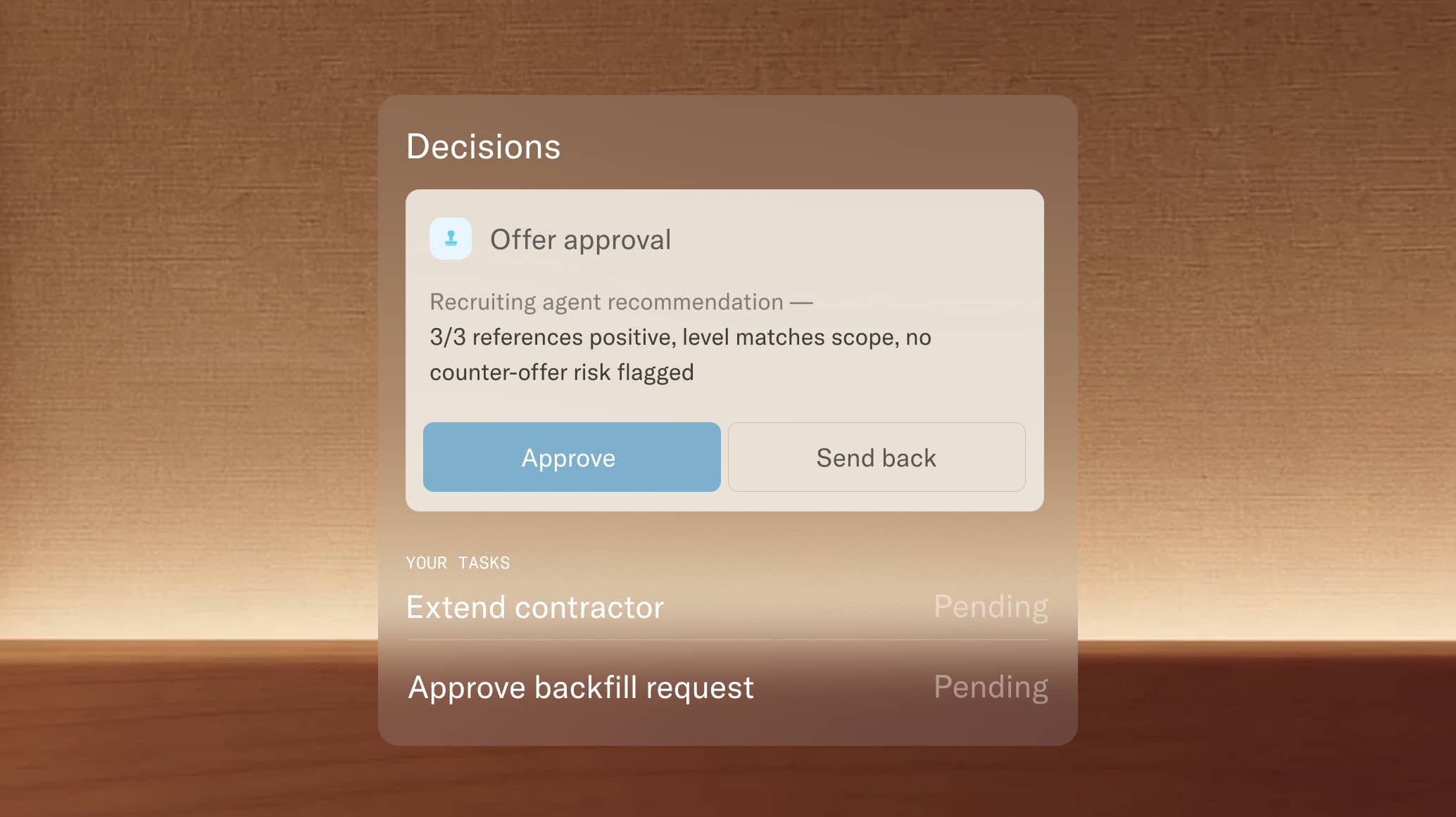
Decision points become workflow branches. The conditional logic in your runbook definition (if X, go to step 5; if Y, escalate) translates directly into workflow controls that route work based on outcomes, approvals, or data inputs.
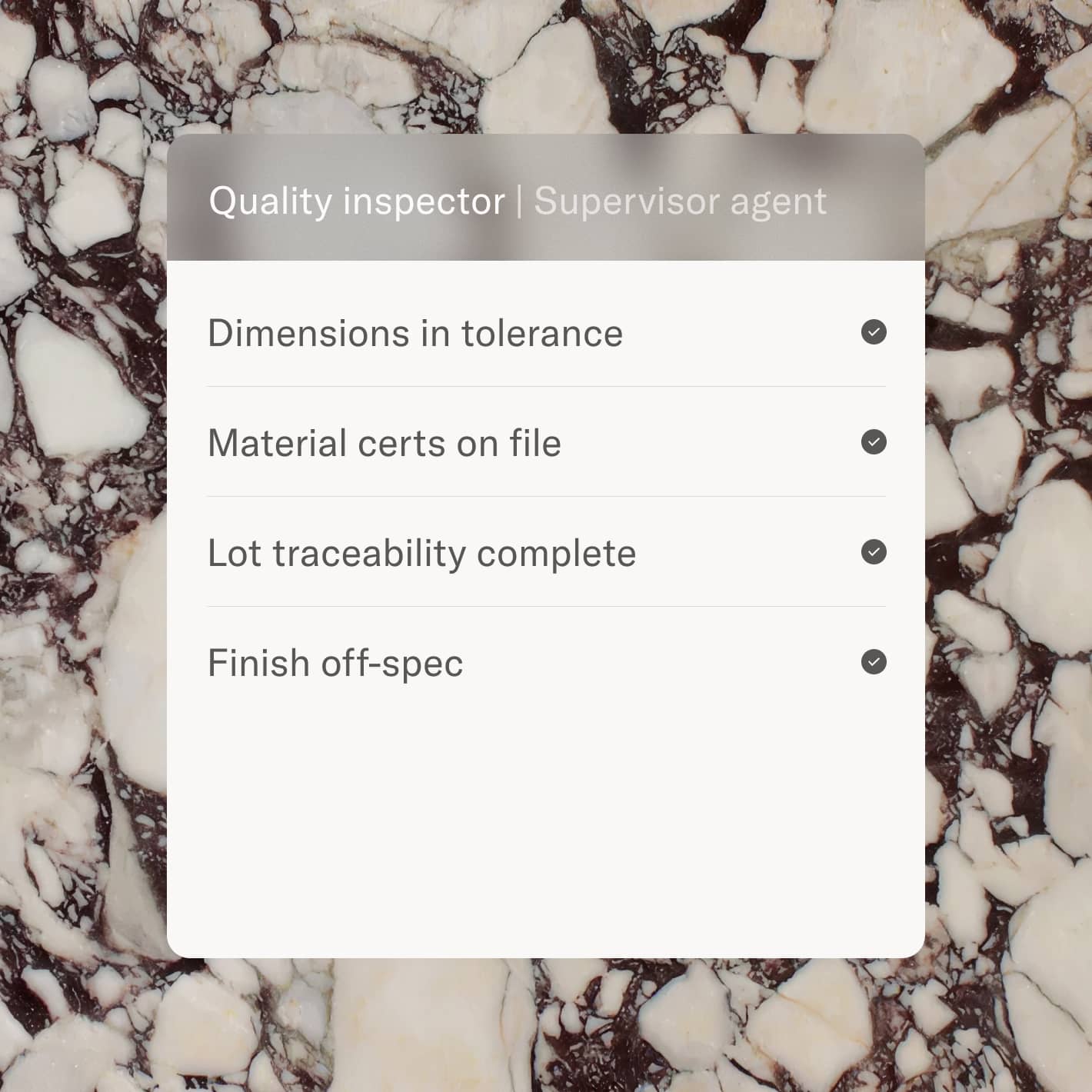
AI agents handle the coordination work around decisions. They validate that prerequisites are met before a step reaches a human participant, surface relevant context, and flag delays before they cascade. Humans stay accountable for the judgment calls. AI handles preparation, validation, and follow-up.
Full visibility across the process. Every runbook execution is tracked: who completed each step, when, and what the outcome was. Operations leaders can see where procedures stall, which steps take the longest, and where the runbook itself needs improvement.
For teams that have already invested in documenting their procedures, Moxo closes the gap between documentation and execution. The runbook definition stays the same. The way it runs changes.
Turn your runbook into a working workflow. Get started for free.
Runbooks work when they run, not when they sit in a wiki
A well-documented runbook is a competitive advantage for any operations team. It captures institutional knowledge, reduces dependency on individual experts, and gives every team member a reliable path through complex scenarios. The structure matters: trigger conditions, clear steps, decision points, escalation paths, and verification checkpoints separate a useful runbook from a document nobody opens.
But documentation alone is only half the picture. The runbook creates value when it actually drives execution across people and systems, with clear ownership, automated handoffs, and measurable outcomes. Moxo helps teams make that transition, turning documented procedures into orchestrated workflows where human accountability and AI-driven coordination work together.
If your team has runbooks that are well-written but underused, the issue probably isn't the documentation. It's the execution layer around it.
Your process, built and running in Moxo Button: Get started for free
FAQ
What is a runbook?
A runbook is a documented, step-by-step guide that outlines the exact procedures for handling a specific operational scenario. Runbooks originated in IT operations for incident response, but they apply to any repeatable business process where consistency and speed matter, from vendor compliance reviews to employee onboarding.
What is the difference between a runbook and a playbook?
A runbook provides detailed, tactical instructions for a single scenario ("do this, then this, then escalate here"). A playbook provides strategic guidance for a category of situations ("approach incidents of this type with these priorities and frameworks"). You use a playbook to decide your approach. You use a runbook to execute it.
What is a runbook vs SOP?
SOPs (Standard Operating Procedures) define broad organizational standards and policies. Runbooks are narrower: they document the specific steps for one process or scenario. An SOP might state that all incidents require a post-mortem. The runbook for a specific incident type would detail the exact steps of that post-mortem.
How do you write a runbook?
Start with the trigger condition (what activates this runbook), then document prerequisites, step-by-step procedures with decision points, escalation paths, and verification steps. Write in second person, be specific about expected outputs at each step, and include a post-execution review process so the runbook improves over time.
What is an automation runbook?
An automation runbook defines the logic for automated workflows, including trigger conditions, automated steps, human-in-the-loop checkpoints, and failure handling procedures. It combines automated execution with human decision points at critical moments. As organizations adopt workflow automation, automation runbooks ensure that automated processes remain accountable and auditable.