



Table of Contents
How secure is your client portal? For law firms, a breach is both a tech headache and a trust disaster. Sensitive case files, personal client data, and privileged communications are all at stake.
Yet many firms still rely on fragmented tools, leaving gaping holes in security that hackers and human error can exploit.
A secure legal client portal isn’t just about locking files behind a password. It is about layered protections that cover data at every stage: encryption at rest for stored files, encryption in transit when sharing documents, and strict RBAC (role-based access control) to ensure the right people see the right information.
Add two-factor authentication, meticulous audit logs, and clear data retention policies, and you are not just meeting regulatory requirements; you are building client confidence.
Whether you are navigating GDPR, HIPAA, or SOC 2, or dealing with sensitive local compliance requirements, understanding what makes a portal truly secure is the first step to protecting your clients and your firm.
In this guide, we will break down the essential security checklist for legal client portals and how law firms can implement it effectively.
At a glance
- Moxo clients reduce manual follow-ups by up to 60% using secure client portals.
- AES-256 encryption protects files both at rest and in transit.
- Role-based access control (RBAC) and two-factor authentication prevent unauthorized access.
- Audit logs and configurable data retention support GDPR, SOC 2, and HIPAA compliance.
Essential security features for legal client portals
Securing a legal client portal goes beyond strong passwords. Let’s break down the essential features every law firm should implement to protect sensitive client data and stay compliant.
1. Encryption at rest and in transit
Encryption is the cornerstone of data protection. Encryption at rest ensures that stored data is unreadable to unauthorized users, while encryption in transit protects data as it moves across networks.
For instance, platforms like Moxo utilize AES-256 encryption, a military-grade standard, to safeguard files both at rest and during transmission. This level of encryption makes unauthorized access virtually impossible, even if data is intercepted or accessed without permission.
2. Role-based access control (RBAC)
RBAC is a method of restricting system access to authorized users based on their roles within an organization. By assigning specific permissions to roles rather than individuals, RBAC minimizes the risk of unauthorized access.
The global RBAC market size was estimated at USD 8.5 billion in 2022 and is projected to grow at a compound annual growth rate (CAGR) of 12.4% from 2023 to 2030. This growth underscores the increasing importance of RBAC in enhancing security across various sectors.
3. Two-factor authentication (2FA)
2FA adds an extra layer of security by requiring users to provide two forms of identification before accessing a system. This could be something they know (a password) and something they have (a mobile device or security token).
Implementing 2FA significantly reduces the risk of unauthorized access, even if login credentials are compromised. It's a simple yet effective measure to bolster security.
4. Audit logs and monitoring
Audit logs provide a detailed record of system activities, including user actions and system changes. Regular monitoring of these logs helps identify and respond to potential security incidents promptly.
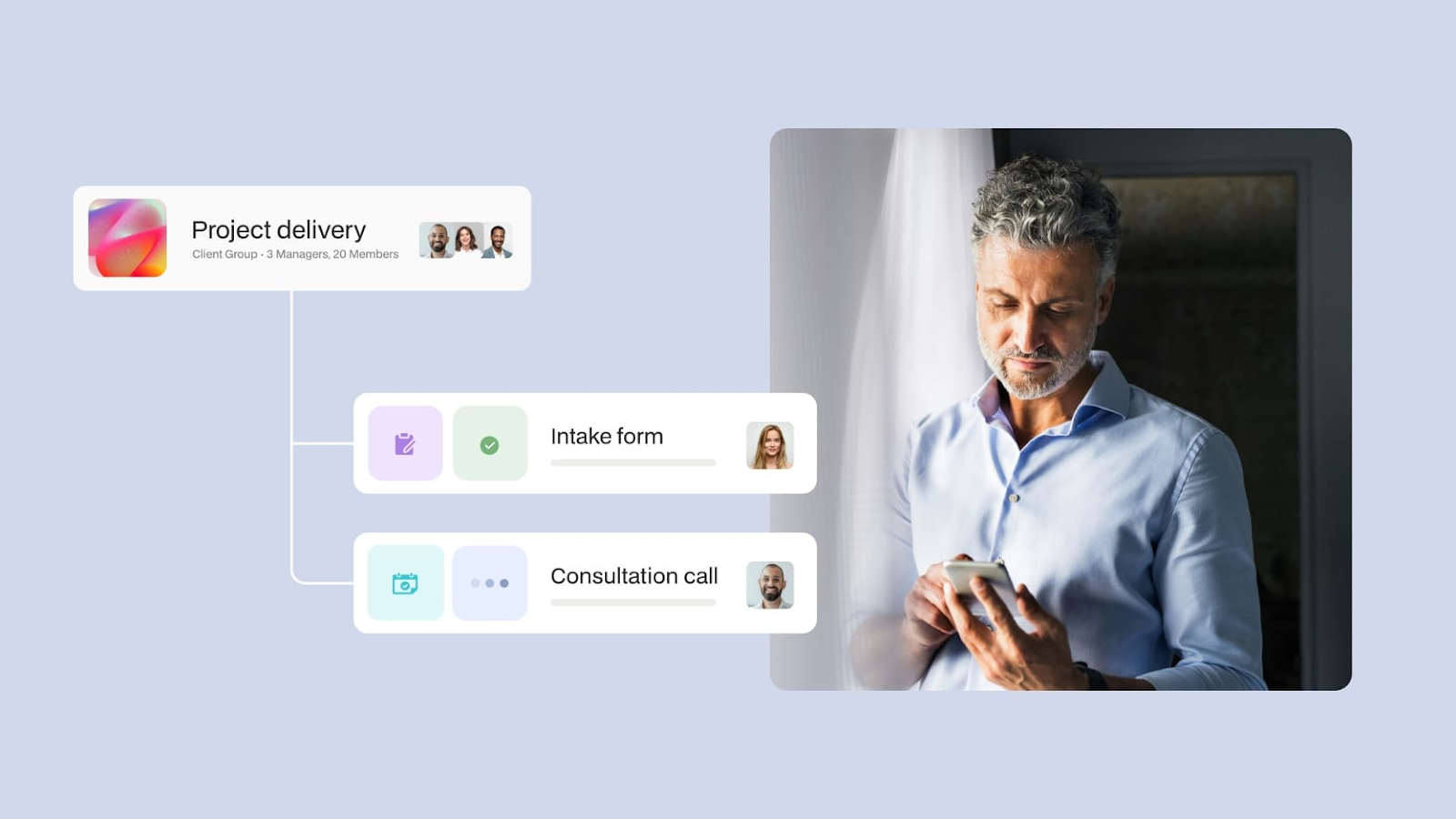
For example, platforms like Moxo offer detailed audit trails that track user activities, providing transparency and accountability. This feature is crucial for compliance with various regulations and for maintaining the integrity of the system.
5. Data retention and compliance
Data retention policies define how long data is stored and when it should be deleted. Adhering to these policies ensures compliance with legal and regulatory requirements.
For instance, GDPR mandates that personal data should not be kept in a form that permits the identification of data subjects for longer than necessary. Implementing strict data retention policies helps organizations comply with such regulations and mitigate the risk of data breaches.
6. Data residency considerations
Data residency refers to the physical location where data is stored. Different jurisdictions have varying laws regarding data storage and protection.
Understanding and complying with data residency requirements is essential for organizations operating in multiple regions. It ensures that data is stored in accordance with local laws and regulations, thereby avoiding potential legal issues.
Why are these security features essential
Understanding the features is one thing, but knowing why they matter and what is at stake if you skip them is what separates a secure portal from a risky one.
- Encryption at rest and in transit: Protects sensitive case files and client data from interception or theft. Without it, misconfigured servers or unsecured networks can expose confidential information.
- Role-based access control (RBAC): Ensures only authorized users can access specific data. Without RBAC, accidental leaks become more likely and accountability during audits is complicated.
- Two-factor authentication (2FA): Adds a second layer of protection beyond passwords. Without 2FA, compromised credentials can give intruders full access to sensitive documents.
- Audit logs and monitoring: Tracks user activity and system changes to spot suspicious behavior. Without them, breaches or internal misuse may go unnoticed until serious damage occurs.
- Data retention policies: Define how long client data is stored and when it is deleted. Ignoring retention policies can result in non-compliance with GDPR, HIPAA, or other regulations.
- Data residency considerations: Ensures data is stored according to local laws. Without compliance, firms risk fines, legal action, and regulatory penalties.
Common risks with unsecured portals
- Data breaches exposing client information
- Regulatory non-compliance with GDPR, HIPAA, or SOC 2
- Lost client trust due to misplaced or leaked files
- Inefficiency and errors from juggling multiple insecure tools
How does Moxo deliver enterprise-grade security for legal teams
Understanding the risks and why security features matter is one thing. Seeing how they come together in a real platform shows how law firms can implement them effectively without extra friction. Let’s take a look at how Moxo makes this a reality.
Secure client collaboration
Moxo’s client portal gives law firms a private, branded space to collaborate with clients while protecting every file and message with AES-256 encryption both at rest and in transit.
Granular access control
Access is managed with strict role-based permissions, ensuring the right paralegal, partner, or client sees the right information. Multi-layer authentication, including two-factor authentication, keeps unauthorized users out even if passwords are compromised.
Audit-ready monitoring
Every interaction inside the portal is tracked through comprehensive audit logs, giving firms the proof they need for compliance with SOC 2, GDPR, or HIPAA. Moxo also supports configurable data retention and data residency options, allowing you to meet region-specific regulations without juggling multiple tools.
Streamlined workflows
Whether you are automating client onboarding, securing document collection, or managing multi-step approval flows with workflows, Moxo centralizes everything into a single secure hub. That means no more unsecured email threads, no missing files, and no client guessing games, just a consistent, auditable process that protects sensitive legal work from start to finish.
Secure your legal client portal with Moxo
A secure legal client portal is not optional. It is the foundation of trust, compliance, and operational efficiency for any law firm. From encryption at rest and in transit to role-based access control, audit logs, and data retention policies, every feature plays a critical role in protecting sensitive client data and avoiding costly breaches.
Platforms like Moxo bring these security layers together in a single, intuitive system, allowing firms to focus on delivering legal services rather than worrying about fragmented tools, unsecured emails, or regulatory pitfalls. By automating workflows, centralizing document collection, and enforcing strong access controls, Moxo ensures your portal is both secure and efficient.
Book a demo today to see how Moxo can transform your client onboarding and daily operations while keeping security at the forefront.
FAQs
What makes a legal client portal secure?
A secure legal client portal uses encryption at rest and in transit, role-based access control, two-factor authentication, and audit logs to protect sensitive client data. Platforms like Moxo also support configurable data retention and data residency options to meet compliance requirements.
Can a secure portal integrate with other legal tools?
Yes. A robust portal like Moxo offers integrations with document management, accounting, and workflow systems. This ensures data flows safely between platforms without exposing sensitive information.
How does Moxo support compliance with GDPR, HIPAA, or SOC 2?
Moxo maintains detailed audit logs, configurable data retention policies, and flexible data residency options. These features help law firms meet regulatory requirements while keeping client information secure.
How can I control who has access to client data?
With role-based access control (RBAC), you can assign permissions based on roles within your firm. This ensures that only authorized users can view or act on sensitive data.
What if a client uploads sensitive documents?
Secure platforms like Moxo provide dedicated document collection workflows. Files are encrypted and stored directly in the portal, reducing the risk of leaks compared with email or unsecured cloud storage.
